

CapyPrivate DayZ Cheat
CapyPrivate DayZ Cheat is a private software product for DayZ designed for users who need a clean menu, combat settings, player visuals, zombie ESP, item display options, color customization and useful miscellaneous features in one simple package.
The cheat includes a lightweight interface with separate sections for Aimbot, Players, Items, Colors and Misc. Each section is organized clearly, making it easy to enable, disable and customize available features directly from the menu.
CapyPrivate DayZ is made for users who want a private DayZ cheat with essential aiming features, ESP options and simple visual controls without an overloaded interface.
System Support
CapyPrivate DayZ supports modern Windows systems and includes additional tools for setup and maintenance.
Supported Operating Systems
- Windows 10 supported
- Windows 11 supported
- HWID Spoofer included
- Cleaner included
- Private CapyPrivate build
- Clean in-game menu
Main CapyPrivate DayZ Features
CapyPrivate DayZ includes the main features needed for a simple and effective DayZ setup.
Feature Categories
- Aimbot
- Silent Aim
- FOV Aim
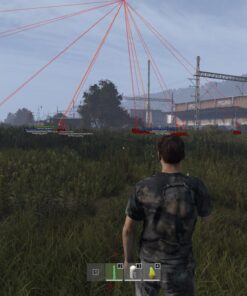
- Player ESP
- Zombie ESP
- Item ESP
- Weapon ESP
- Container ESP
- Magazine ESP
- Vehicle ESP
- Animal ESP
- Building ESP
- Color customization
- Remove Grass
The menu is split into clear sections, allowing users to quickly find and configure the feature they need.
Aimbot Features
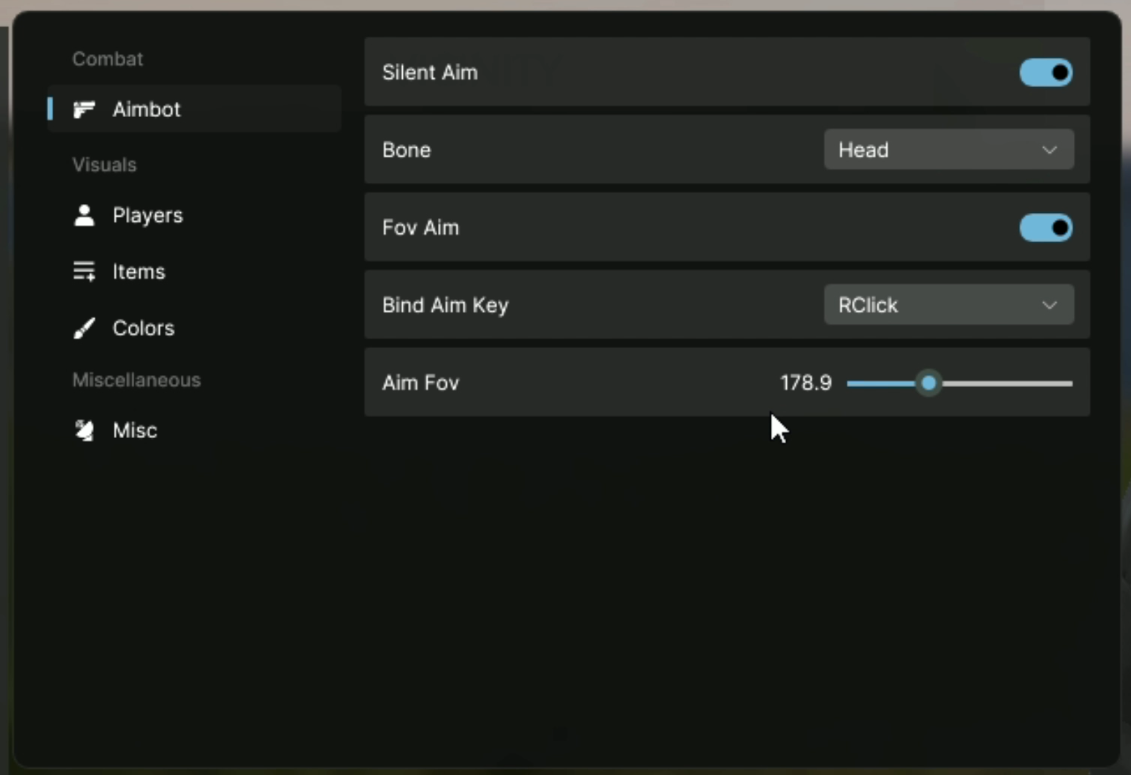
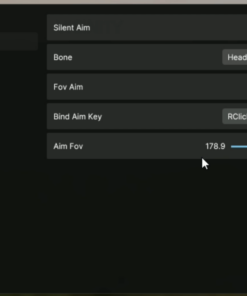
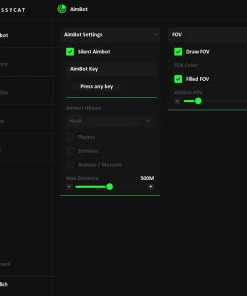
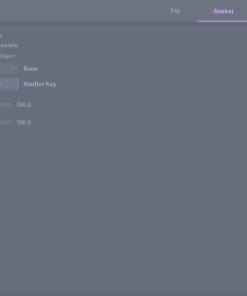
The Aimbot section includes core combat options such as Silent Aim, FOV Aim, bone selection, aim key binding and aim FOV control.
Aimbot Options
- Silent Aim
- Bone selection
- Head bone option
- FOV Aim
- Bind Aim Key
- Right Click aim key option
- Aim FOV slider
- Adjustable Aim FOV value
The Aimbot menu is simple and focused, giving users quick access to the most important aiming settings.
Silent Aim
Silent Aim is available as a toggle inside the combat section. This option can be enabled or disabled directly from the menu.
Silent Aim Settings
- Enable / disable Silent Aim
- Bone selection
- Head bone option
- Aim key binding
- Aim FOV adjustment
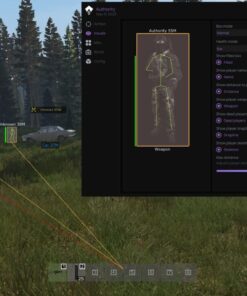
The visible menu shows a clean layout with fast access to the main aim configuration.
FOV Aim
The FOV Aim option allows users to control aim behavior through a field-of-view based setting.
FOV Aim Features
- Enable / disable FOV Aim
- Adjustable Aim FOV
- Aim FOV slider
- Visible FOV value
- Aim key selection
This makes it easy to adjust the aim area directly from the menu.
Players ESP
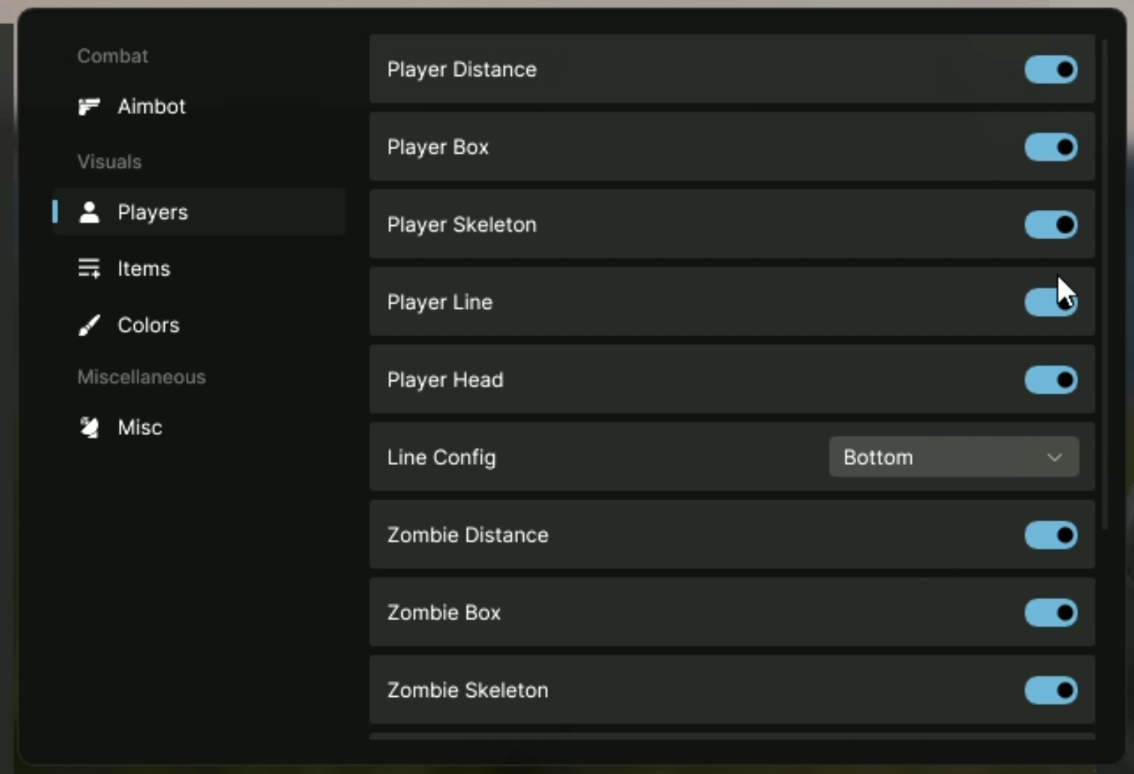
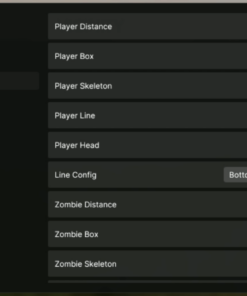
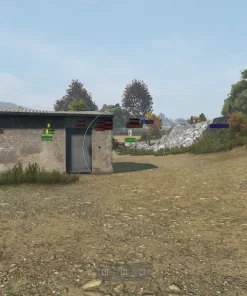
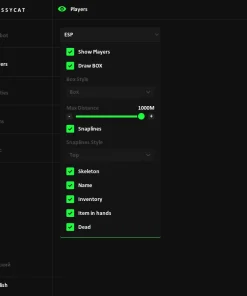
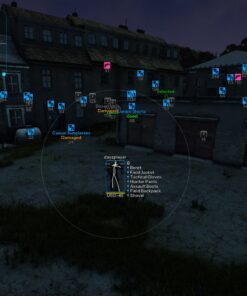
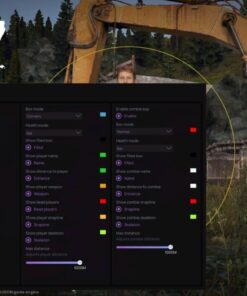
The Players section includes visual options for displaying player information on screen.
Player ESP Features
- Player Distance
- Player Box
- Player Skeleton
- Player Line
- Player Head
- Line Config
- Bottom line position option
These features help display player-related information with a simple toggle-based layout.
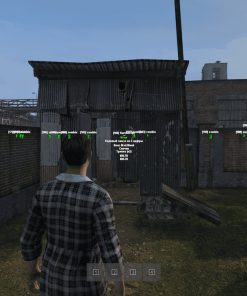
Zombie ESP
CapyPrivate DayZ also includes separate ESP options for infected / zombies.
Zombie ESP Features
- Zombie Distance
- Zombie Box
- Zombie Skeleton
Zombie ESP options are placed in the same visual section, making it easy to manage player and infected visuals from one menu.
Line Config
The menu includes a Line Config option for player lines.
Line Position Option
- Bottom line position
This allows player lines to be displayed from the bottom position, based on the visible menu option.
Items ESP
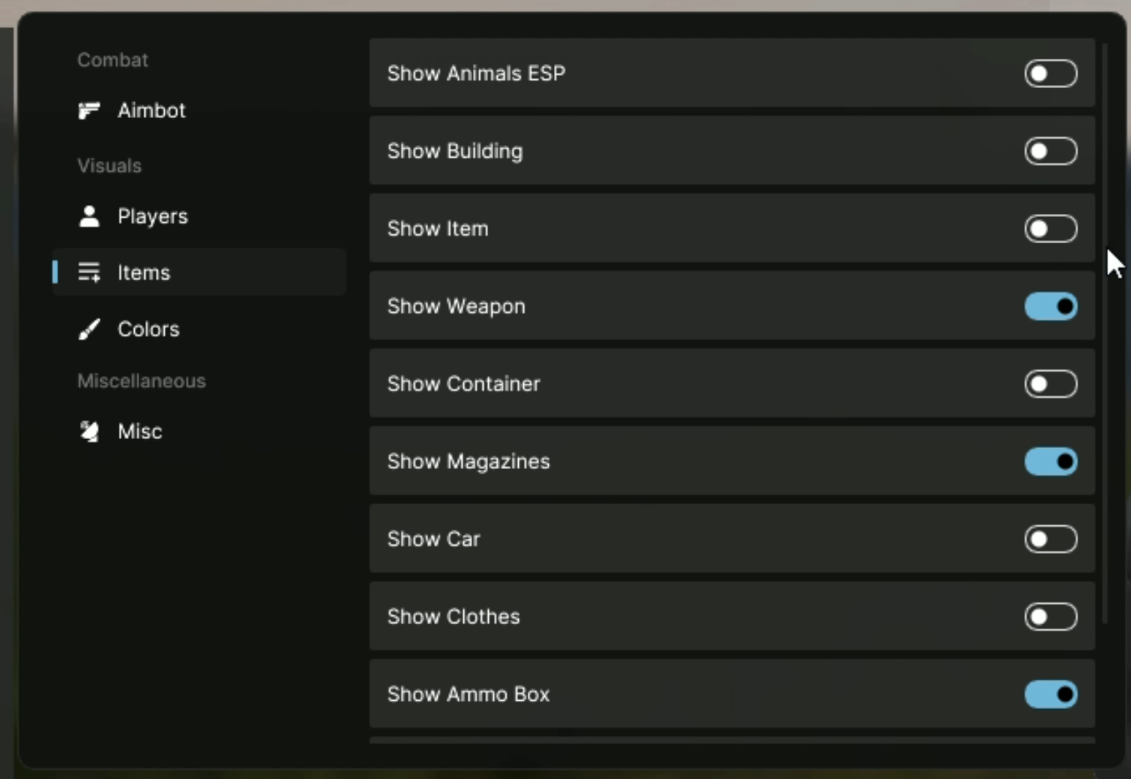
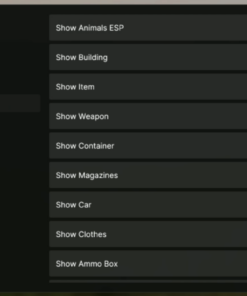
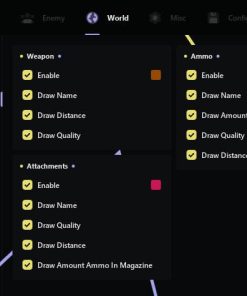
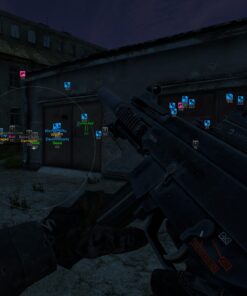
The Items section includes multiple world and loot display options. Users can choose what object types should be shown through simple toggles.
Item and World ESP Features
- Show Animals ESP
- Show Building
- Show Item
- Show Weapon
- Show Container
- Show Magazines
- Show Car
- Show Clothes
- Show Ammo Box
This section is useful for users who want to customize what loot, objects and world entities are visible on screen.
Weapon and Loot Display
CapyPrivate DayZ includes several loot-related display toggles for important item categories.
Loot ESP Options
- Weapon ESP
- Item ESP
- Container ESP
- Magazine ESP
- Clothes ESP
- Ammo Box ESP
These options allow users to focus on specific item types depending on what they want to find.
World and Entity Display
The menu also includes toggles for additional DayZ world entities.
World ESP Options
- Animal ESP
- Building ESP
- Car ESP
These settings make the visual system more flexible for different gameplay situations.
Color Customization
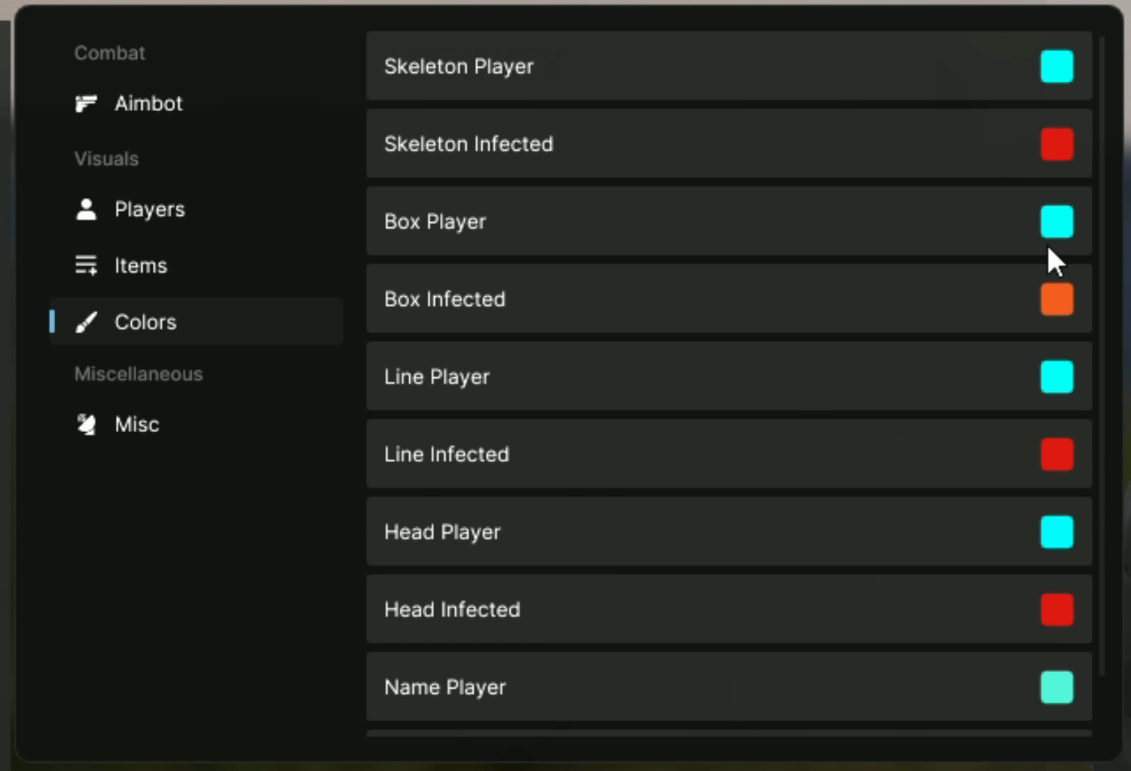
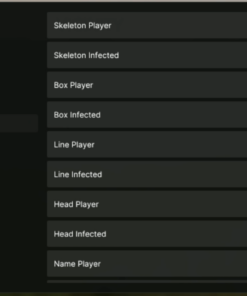
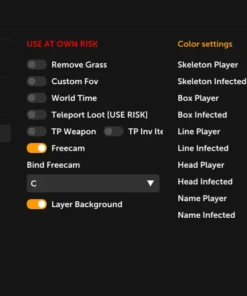
CapyPrivate DayZ includes a dedicated Colors section where users can customize visual colors for players and infected.
Player Color Options
- Skeleton Player color
- Box Player color
- Line Player color
- Head Player color
- Name Player color
Infected Color Options
- Skeleton Infected color
- Box Infected color
- Line Infected color
- Head Infected color
The color menu makes it easier to separate players and infected visually by using different colors for different ESP elements.
Misc Features
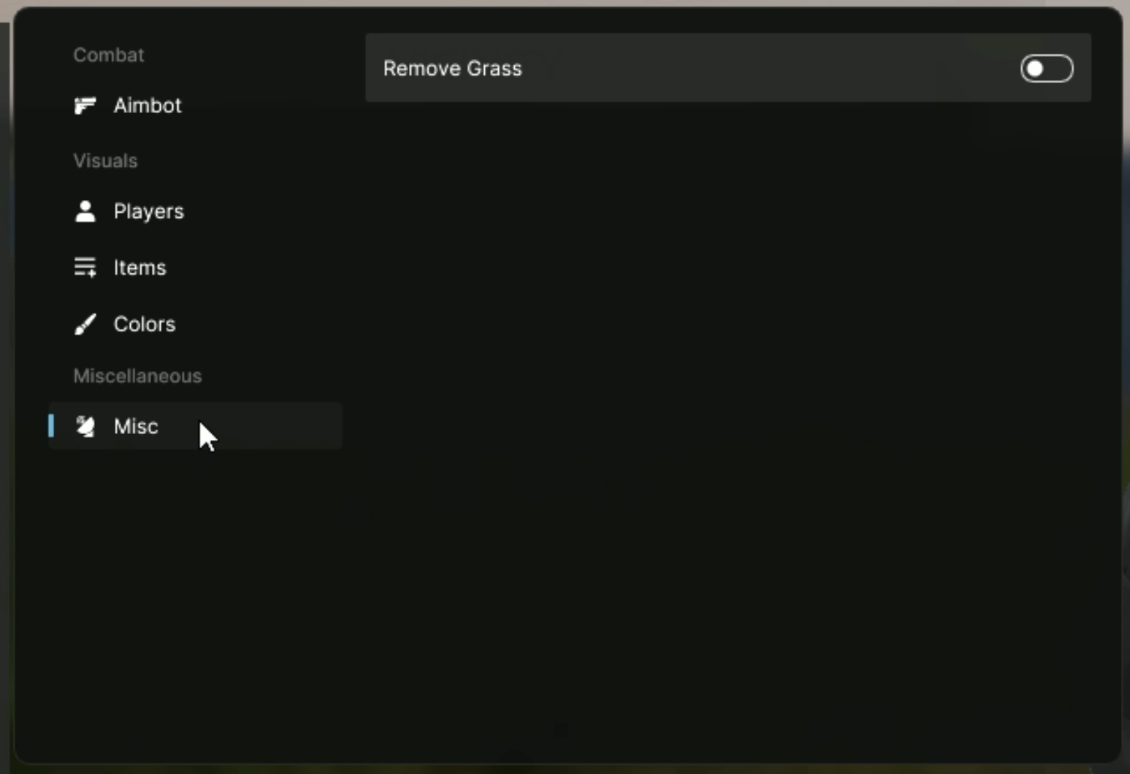
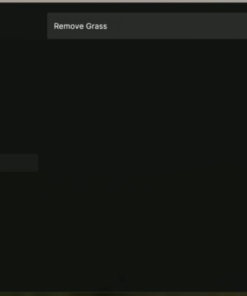
The Misc section includes an additional visual option for map clarity.
Misc Option
- Remove Grass
This option can be toggled from the Misc section of the menu.
Menu Layout
CapyPrivate DayZ uses a clean sidebar layout with separate categories for combat, visuals and miscellaneous options.
Menu Sections
- Aimbot
- Players
- Items
- Colors
- Misc
The menu layout is simple, readable and easy to navigate, making configuration fast and comfortable.
Why Choose CapyPrivate DayZ?
CapyPrivate DayZ Cheat is designed for users who want a clean private DayZ product with essential combat, ESP and visual customization features.
Key Advantages
- Private CapyPrivate product line
- Windows 10 support
- Windows 11 support
- HWID Spoofer included
- Cleaner included
- Silent Aim
- FOV Aim
- Player ESP
- Zombie ESP
- Item ESP
- Weapon ESP
- Container ESP
- Magazine ESP
- Vehicle ESP
- Color customization
- Remove Grass
- Simple menu layout
CapyPrivate DayZ combines the most important visible features into a clean and easy-to-use private cheat for DayZ.
Important Notice
Users are responsible for following the rules, terms and restrictions of any game, platform or service they use. Do not use third-party software in any environment where it is not allowed.
| Duration | 1 day, 7 days, 30 days |
|---|

Reviews
There are no reviews yet.