
Radar WARDOGS Cheat – Web-Based Player, Vehicle & Object Radar
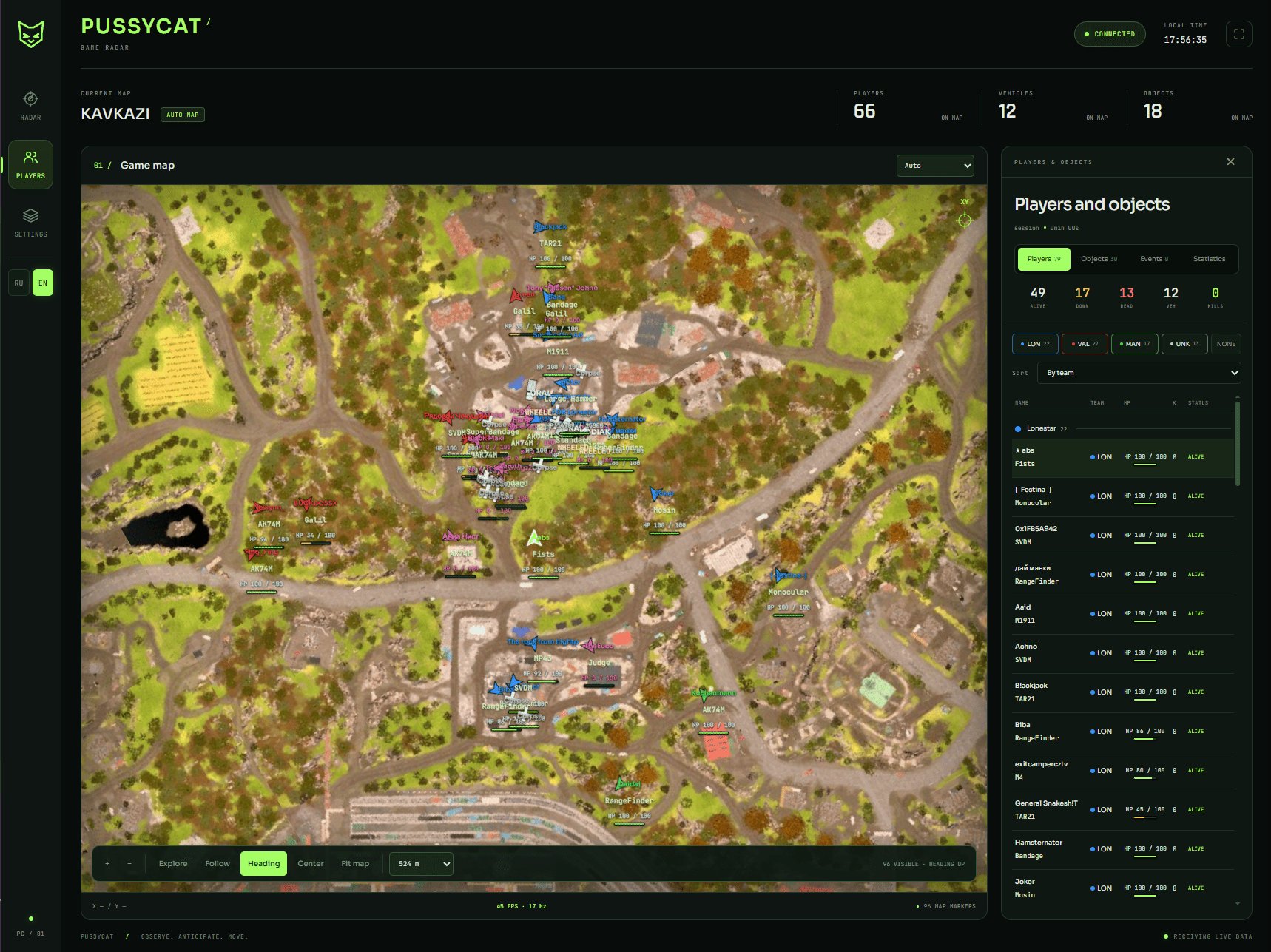
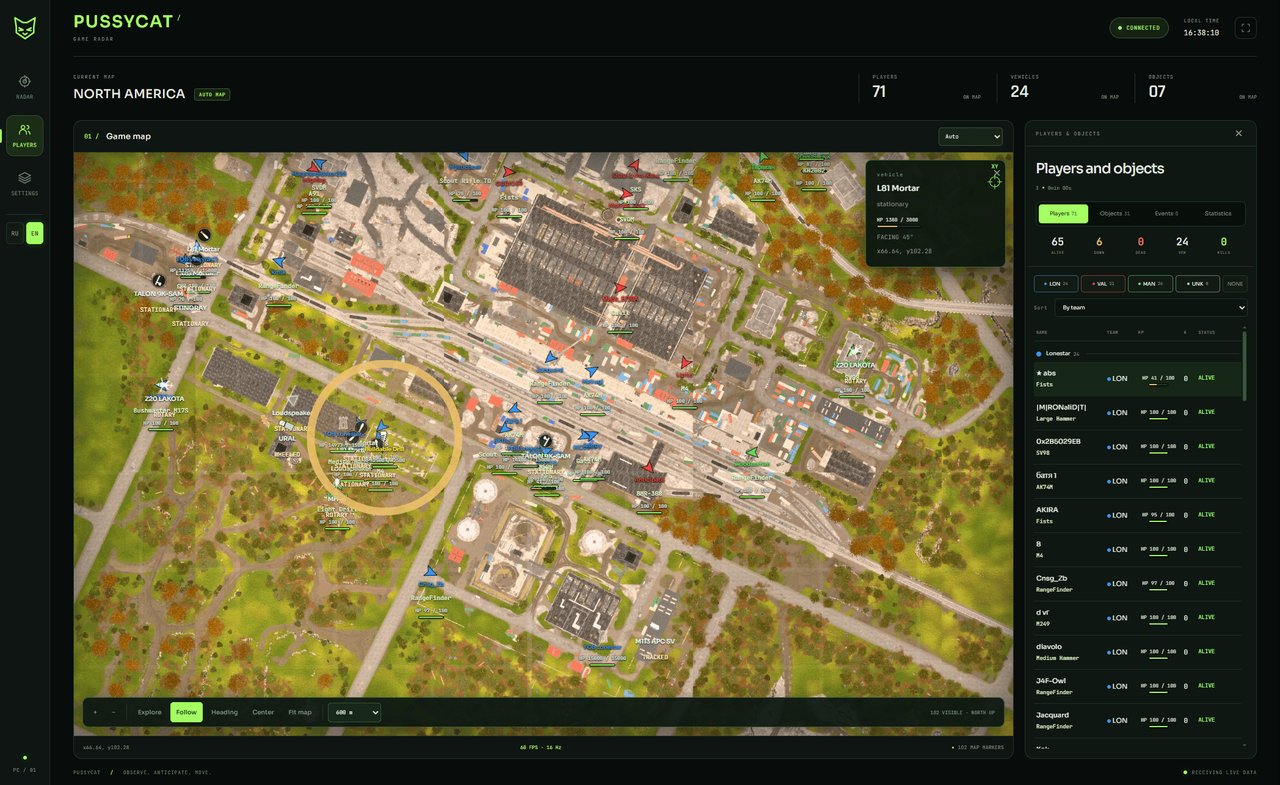
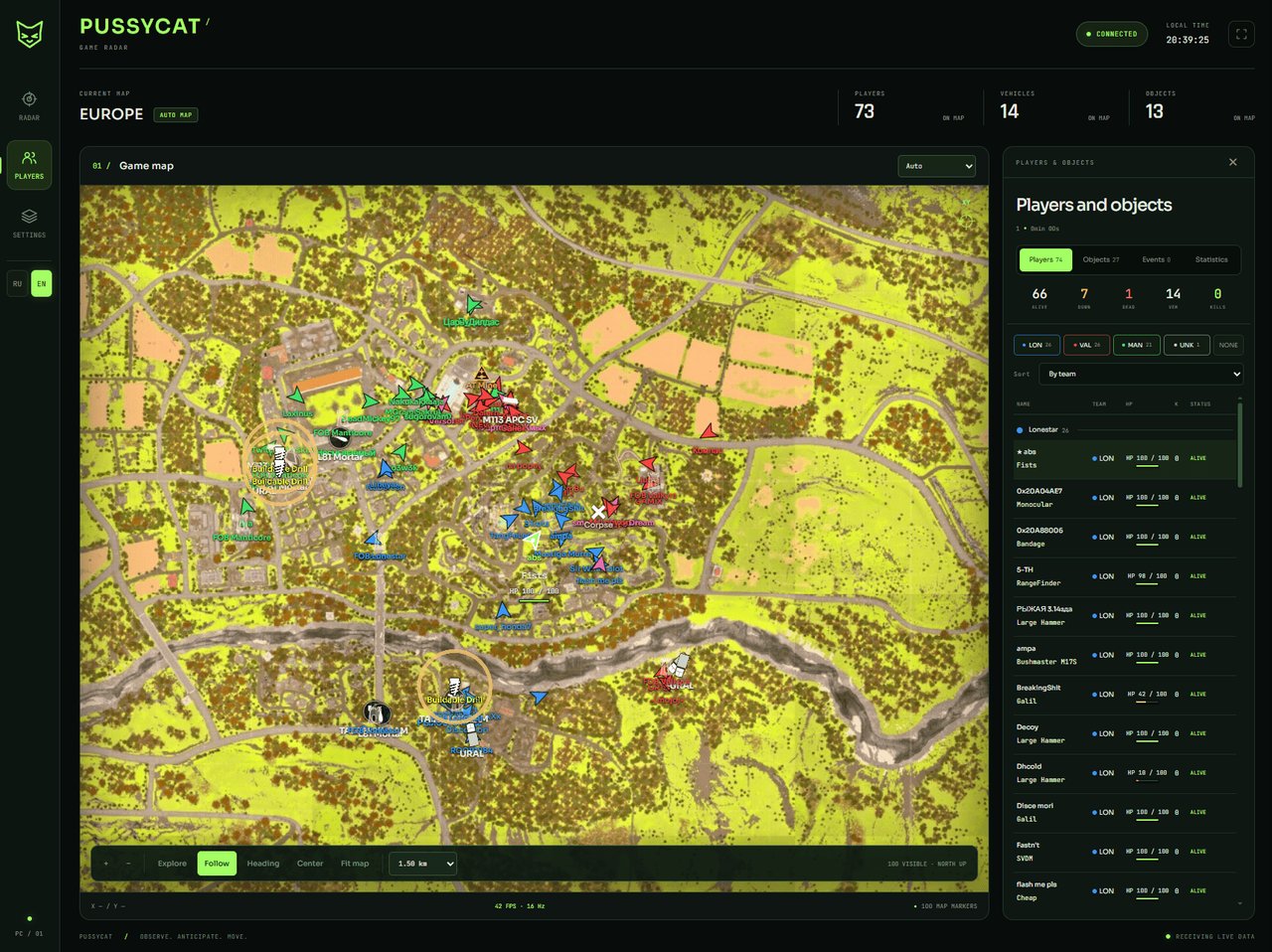
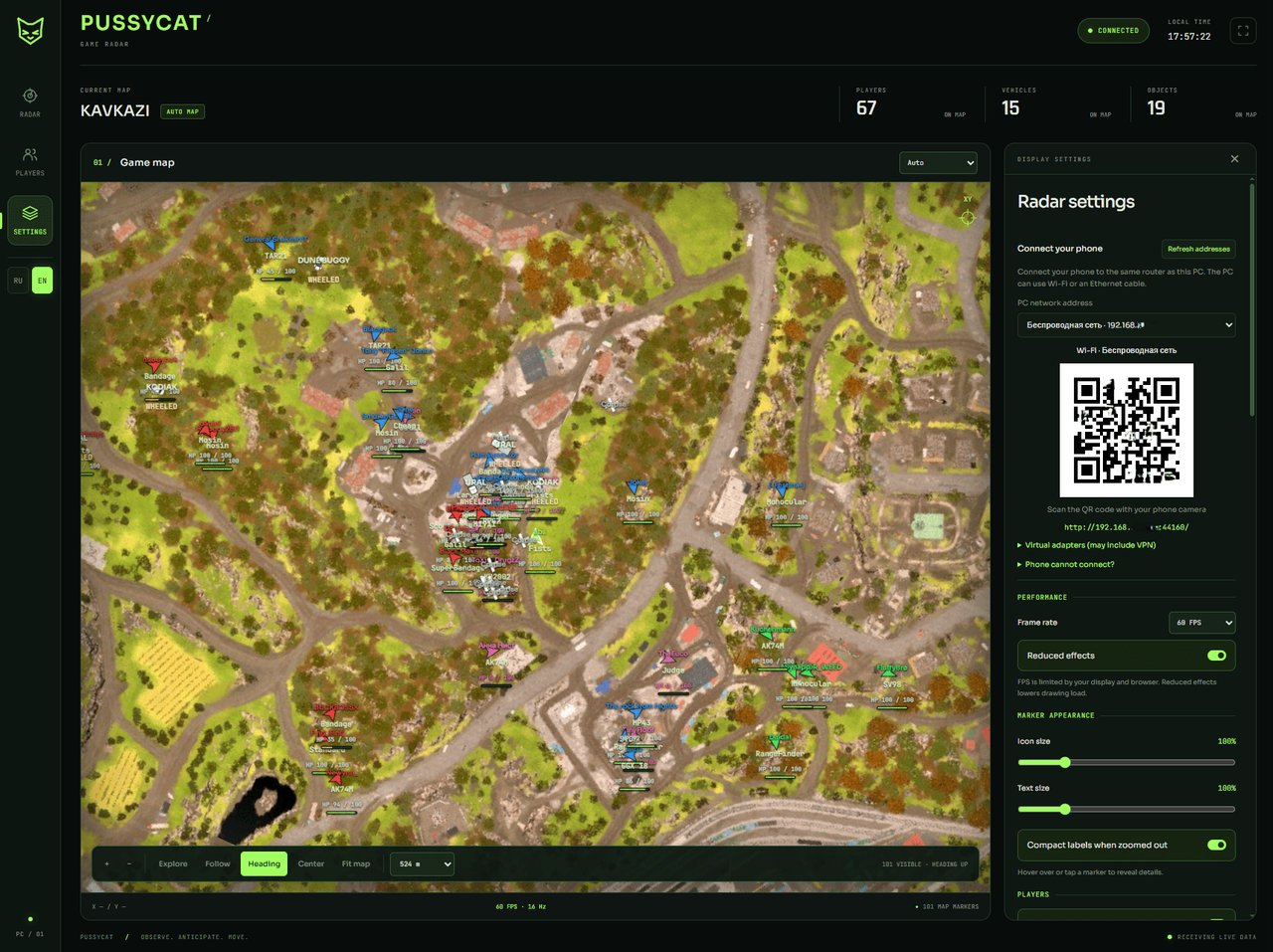
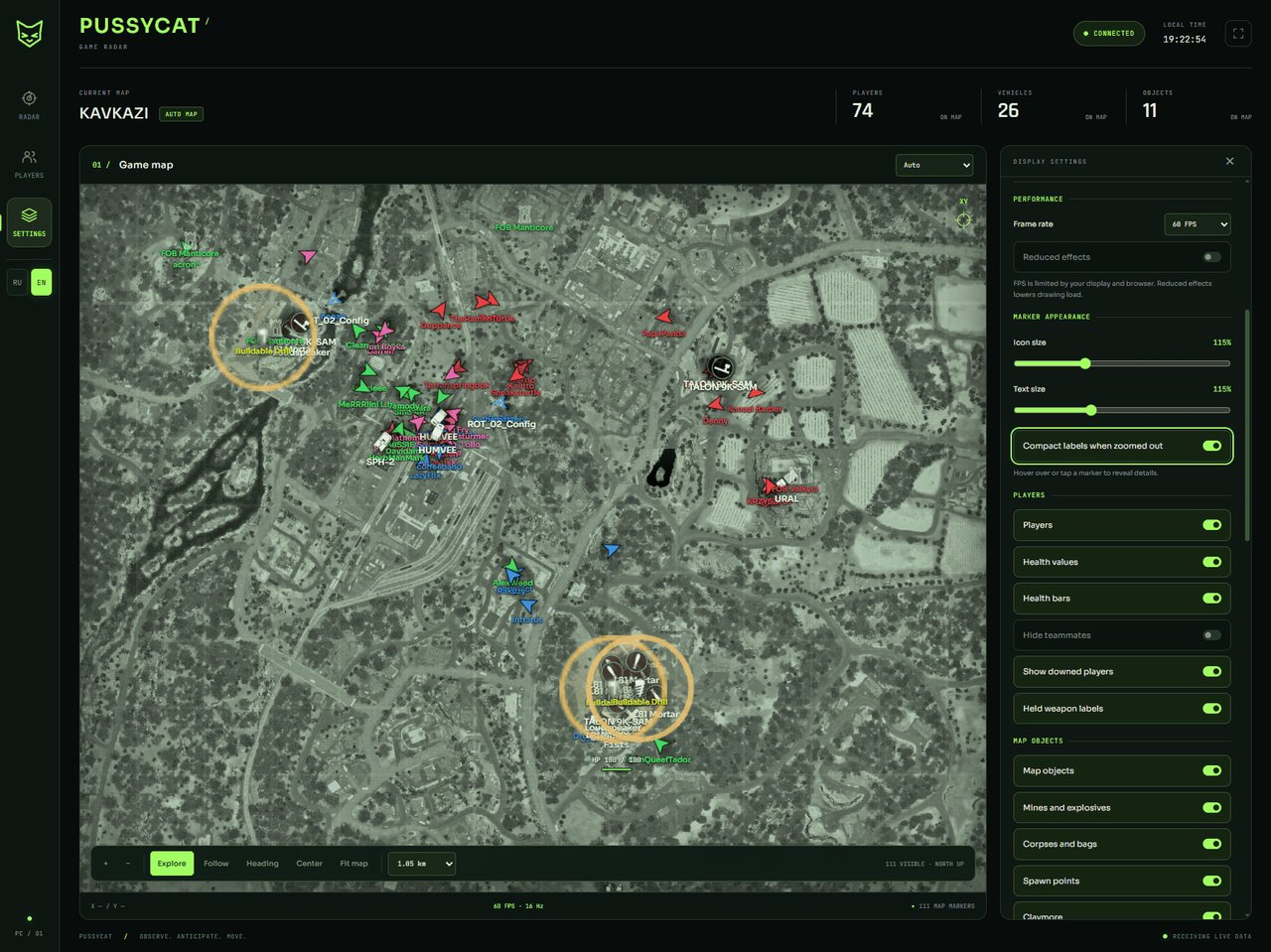
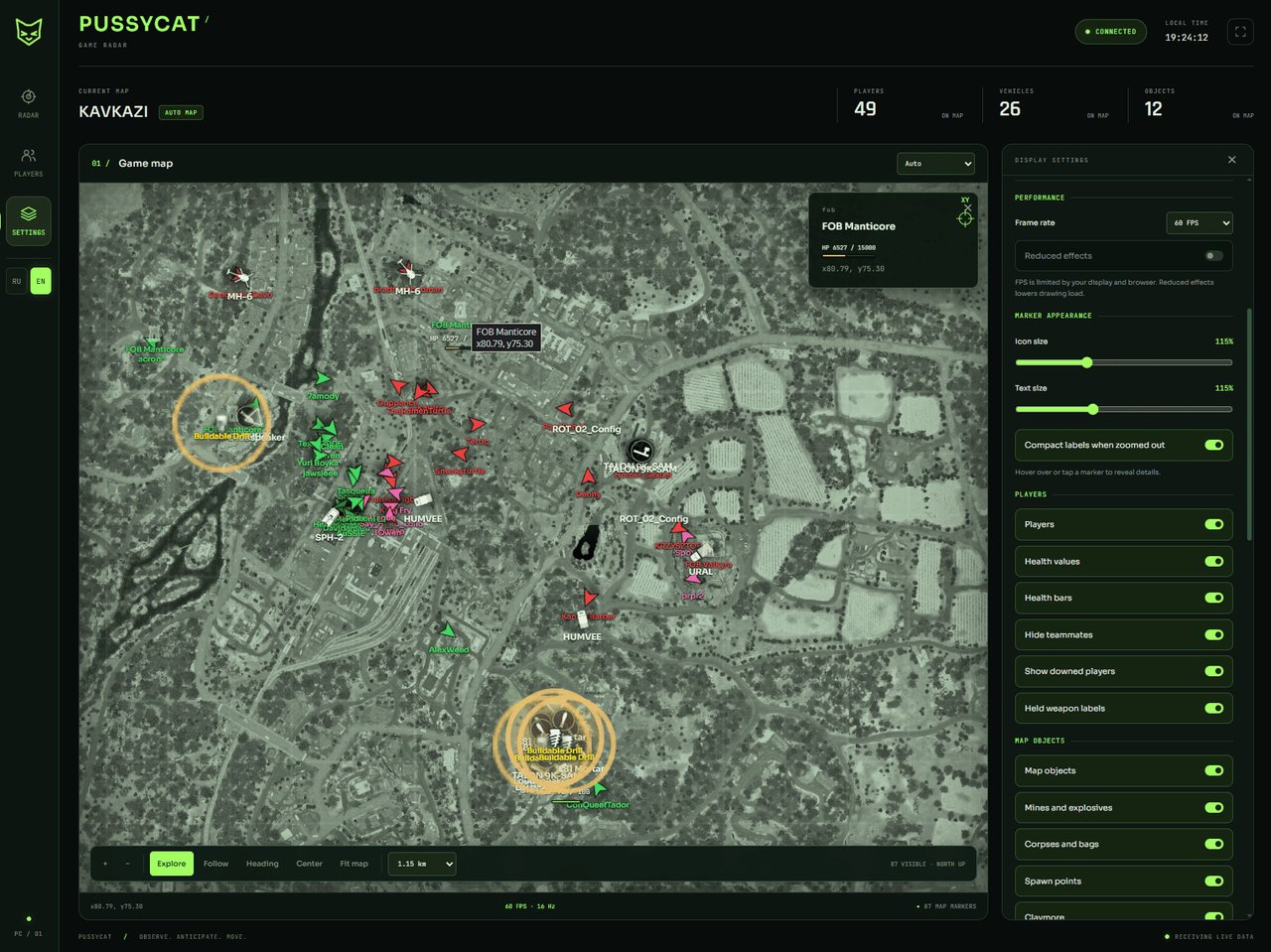
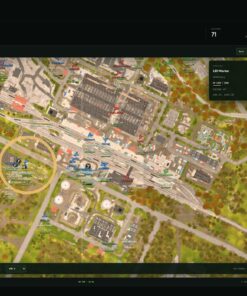
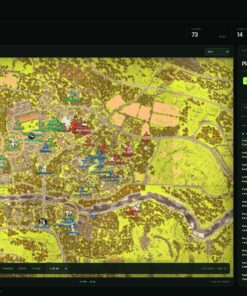
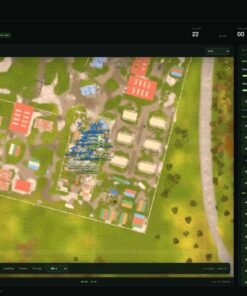
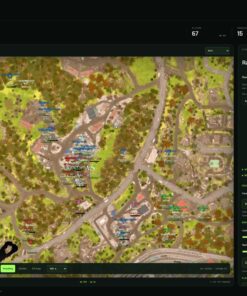
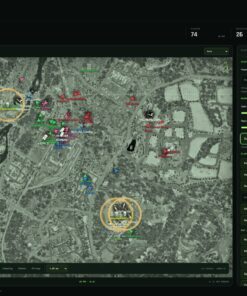
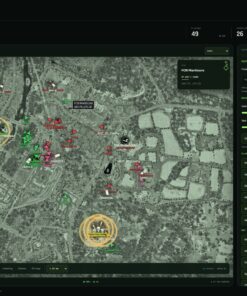
Radar WARDOGS Cheat is a powerful web-based radar solution that provides real-time information about players, vehicles, and important objects across the battlefield. Track enemy positions, monitor vehicle movements, locate valuable objects, and gain better situational awareness through a convenient browser-based interface.
Unlike traditional in-game overlays, this WARDOGS Radar displays tactical information directly in your web browser. Access the radar from your PC, smartphone, or second monitor without having to constantly switch between the game and your map.
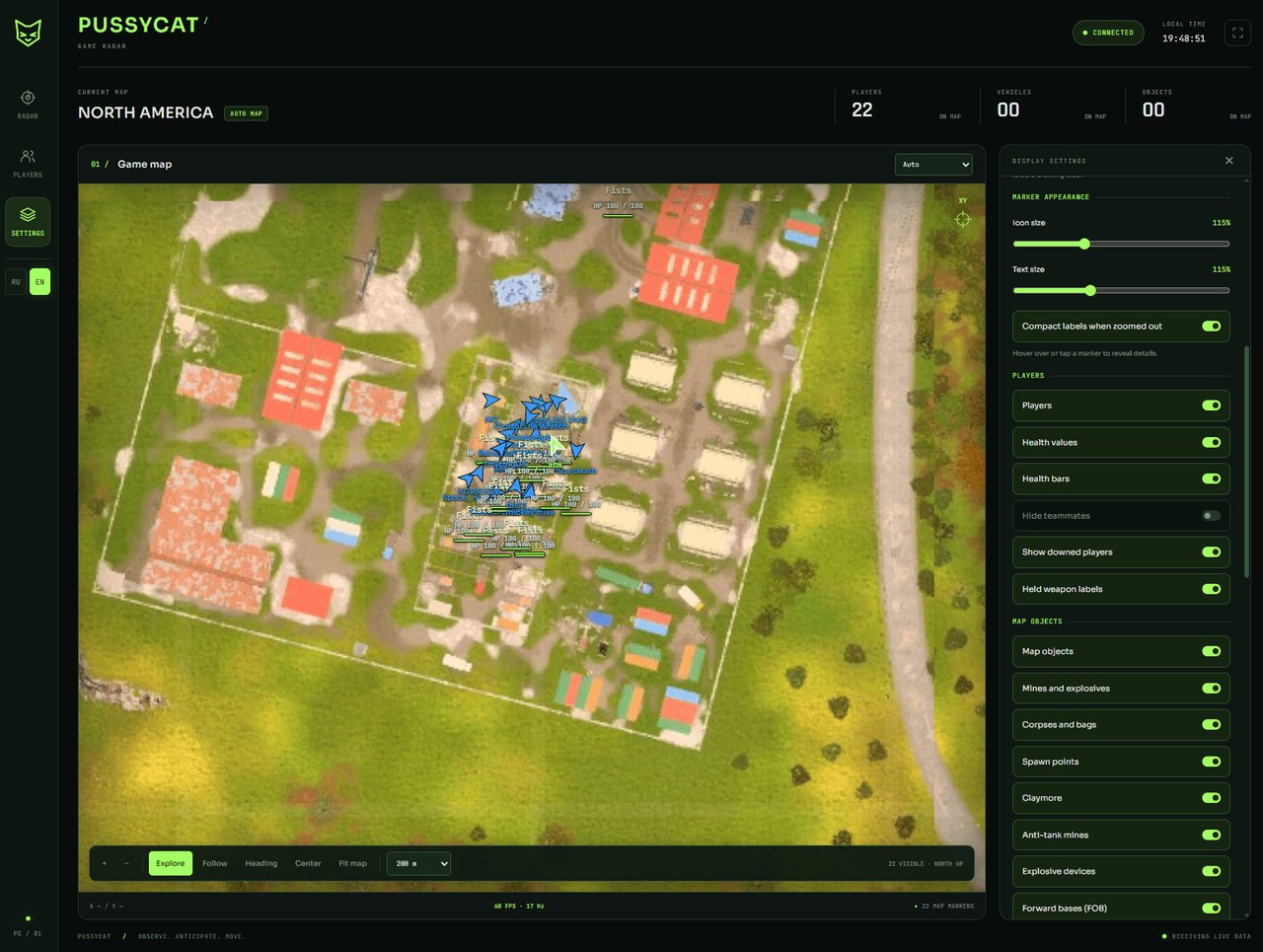
The radar features automatic map detection, multiple viewing modes, customizable markers, player and team filters, and adjustable performance settings. Whether you’re tracking enemy squads, identifying nearby vehicles, or locating battlefield structures, Radar WARDOGS provides the information you need in one organized interface.
Why Choose Radar WARDOGS Cheat?
- Web-Based Radar: Access the interactive radar directly through your browser.
- Multi-Device Support: View radar information on your PC, smartphone, or second monitor.
- Player Tracking: Monitor player positions, names, health, weapons, teams, squads, and viewing directions.
- Vehicle Tracking: Identify vehicles by model, category, health, position, and facing direction.
- Object Detection: Locate corpses, loot bags, mines, explosive devices, FOBs, and other battlefield structures.
- Automatic Map Selection: Supports Europe, Kavkazi, North America, and Russia maps.
- Multiple Radar Modes: Explore, Follow, and Heading modes for different viewing preferences.
- Customizable Display: Adjust marker sizes, labels, visibility settings, and map zoom.
- Flexible Connectivity: Connect using browser links or QR codes with supported network configurations.
- Performance Controls: Choose your preferred frame rate, data update rate, and visual performance settings.
System Requirements
- Supported CPU: Intel & AMD
- Operating System: Windows 10 / Windows 11 (20H2–25H2)
- Supported Game Version: Steam
- Supported Display Modes: Windowed, Borderless
- Included Spoofer: No
- Radar Interface: Web Browser
- Supported Devices: PC, Phone, Second Monitor
Radar WARDOGS Cheat Features
General Radar Features
- Web Browser Radar Interface
- PC and Smartphone Support
- Second Monitor Support
- Open Radar Hotkey – F2
- Automatic Map Selection
- Europe, Kavkazi, North America & Russia Maps
- Explore, Follow & Heading Modes
- Zoom In / Zoom Out
- Mouse Wheel Zoom – 50 m
- Adjustable Map Viewing Distance
- Center on Player
- Fit Map to Screen
- Map Coordinates
- Interactive Marker Details on Hover
- Marker Details on Click / Tap
- Smooth Radar Movement
Player Radar
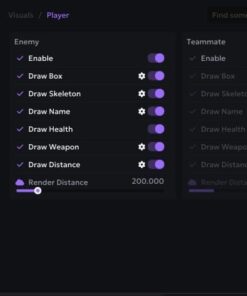
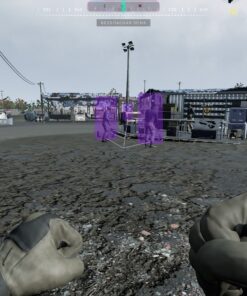
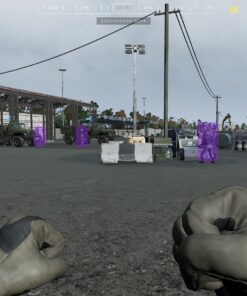
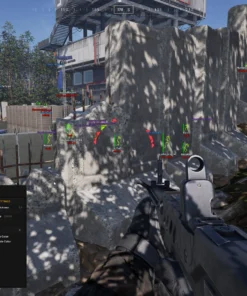
Track players across the map with detailed information about their positions, equipment, health, and team affiliation.
- Show Player Positions
- Player Names
- Currently Held Weapons
- Player Health Points
- Player Health Bars
- Player Viewing Direction
- Player View Cones
- Knocked Player Detection
- Custom Knocked Player Color
- Local Player Identification
- Team Identification
- Squad Identification
- Player Map Coordinates
- Ignore Team Option
- Interactive Player List
- Team Filters: Lonestar, Valkyra, Manticore & Unknown
- Select All / Hide All Teams
- Sort Players by Team
- Sort Players by Name
- Sort Players by State
Object Radar
Locate important battlefield objects, equipment, explosives, and structures directly on the radar map.
- Show Objects
- Corpses and Loot Bags
- SPW
- Claymore Mines
- Anti-Tank Mines
- Explosive Devices
- FOB Locations
- Buildable Drills
- Building Health Points
- Building Health Bars
- Ignore Friendly Team Buildings
- Object Names
- Object Coordinates
- Interactive Object List
Vehicle Radar
Identify and monitor vehicles across the battlefield, including their type, model, health, position, and facing direction.
- Show Vehicles
- Vehicle Model Names
- Vehicle Model Icons
- Vehicle Names and Roles
- Vehicle Health Points
- Vehicle Health Bars
- Vehicle Facing Direction
- Vehicle Coordinates
Supported Vehicle Categories:
- Wheeled Vehicles
- Tracked Vehicles
- Rotary Aircraft
- Airplanes
- Stationary Vehicles
- Other Vehicle Types
Map & Display Customization
Customize the radar interface to suit your preferred visibility, screen size, and gameplay setup.
- Show Names on Map
- Show Viewing Direction and Cones
- Black Text Background
- Adjustable Marker Icon Size
- Adjustable Text Size
- Compact Labels When Zoomed Out
- Reveal Additional Details on Hover / Tap
- Adjustable Map Zoom and Viewing Distance
Performance Settings
- Frame Rate: 30 / 60 / 120 FPS / Auto
- Reduced Visual Effects
- FPS Counter
- Adjustable Data Update Rate
- Smooth Map Movement
Connection & Device Support
- Browser-Based Radar Connection
- Network Adapter Selection
- Wi-Fi Connection
- Ethernet Connection
- VPN / Virtual Network Adapter Support
- QR Code Connection
- Direct Connection Link
- Refresh Network Addresses
- Built-In Connection Instructions
Additional Settings
- English Language
- Russian Language
- Automatic Settings Saving
- Automatic Settings Loading
Buy Radar WARDOGS Cheat
Get access to a feature-rich WARDOGS Radar Cheat with browser-based player tracking, vehicle detection, object identification, and customizable tactical map settings.
Choose your preferred device, configure the radar interface, and access detailed battlefield information through an interactive map.
Buy Radar WARDOGS Cheat at CrazyCapyStore and check the latest product status, supported game version, system requirements, and setup instructions before purchasing.
| Duration | 1 day, 7 days, 30 days |
|---|
Reviews
There are no reviews yet.