
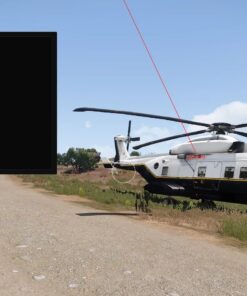
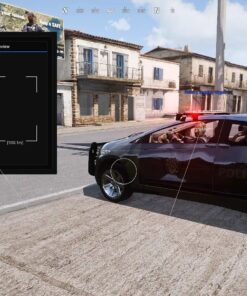
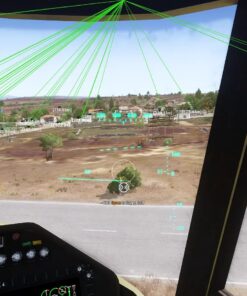
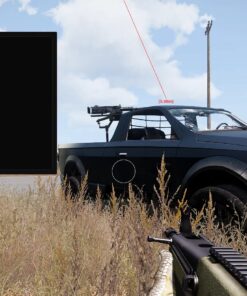
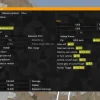
CapyPrivate Arma 3 Cheat with Silent Aimbot, Player ESP and Vehicle ESP
CapyPrivate Arma 3 Cheat is an external gameplay enhancement tool designed for players who want improved situational awareness, accurate target assistance and a clean, easy-to-use interface.
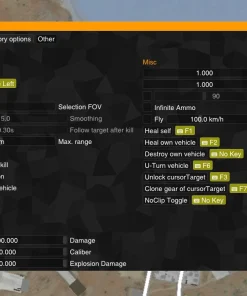
The software combines Player ESP, Vehicle ESP, Silent Aimbot, customizable FOV settings, capture protection and configuration options inside one straightforward menu. Instead of forcing users to navigate through complicated pages of unnecessary settings, CapyPrivate focuses on practical features that can be enabled and adjusted quickly.
The cheat is compatible with Windows 10 and Windows 11 and can be used with Arma 3 launched through the Steam Launcher or A3Launcher.
Whether you are moving through a large combat zone, searching for nearby players, tracking vehicles or configuring a Silent Aimbot profile, CapyPrivate provides the essential tools needed for a more informed Arma 3 experience.
Why Choose CapyPrivate for Arma 3?
Arma 3 features large maps, long engagement distances, vehicles and tactical combat situations where information can be just as important as mechanical aim.
CapyPrivate is built around this type of gameplay. Its visual features help display important information about nearby players and vehicles, while the Silent Aimbot provides configurable targeting assistance without requiring an overloaded setup process.
Main Advantages
- External Arma 3 cheat with a simple and intuitive interface.
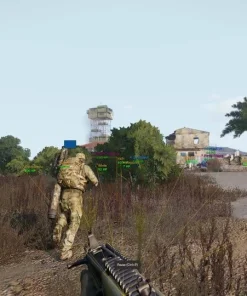
- Player ESP with health, boxes, distance, lines and headline indicators.
- Vehicle ESP with distance and directional line options.
- Silent Aimbot with a customizable hotkey and targeting settings.
- Adjustable Aimbot FOV with an optional on-screen FOV display.
- Config system for managing preferred settings.
- Spoof Capture feature for supported capture scenarios.
- Compatible with both the Steam Launcher and A3Launcher.
- Supports Windows 10 and Windows 11.
- Designed to be easy to configure without unnecessary complexity.
CapyPrivate Arma 3 Cheat Features
CapyPrivate is divided into several practical feature categories covering player visuals, vehicle tracking, Silent Aimbot settings and additional menu options.
Each function can be adjusted separately, allowing users to create a clean visual setup or enable more detailed battlefield information depending on personal preference.
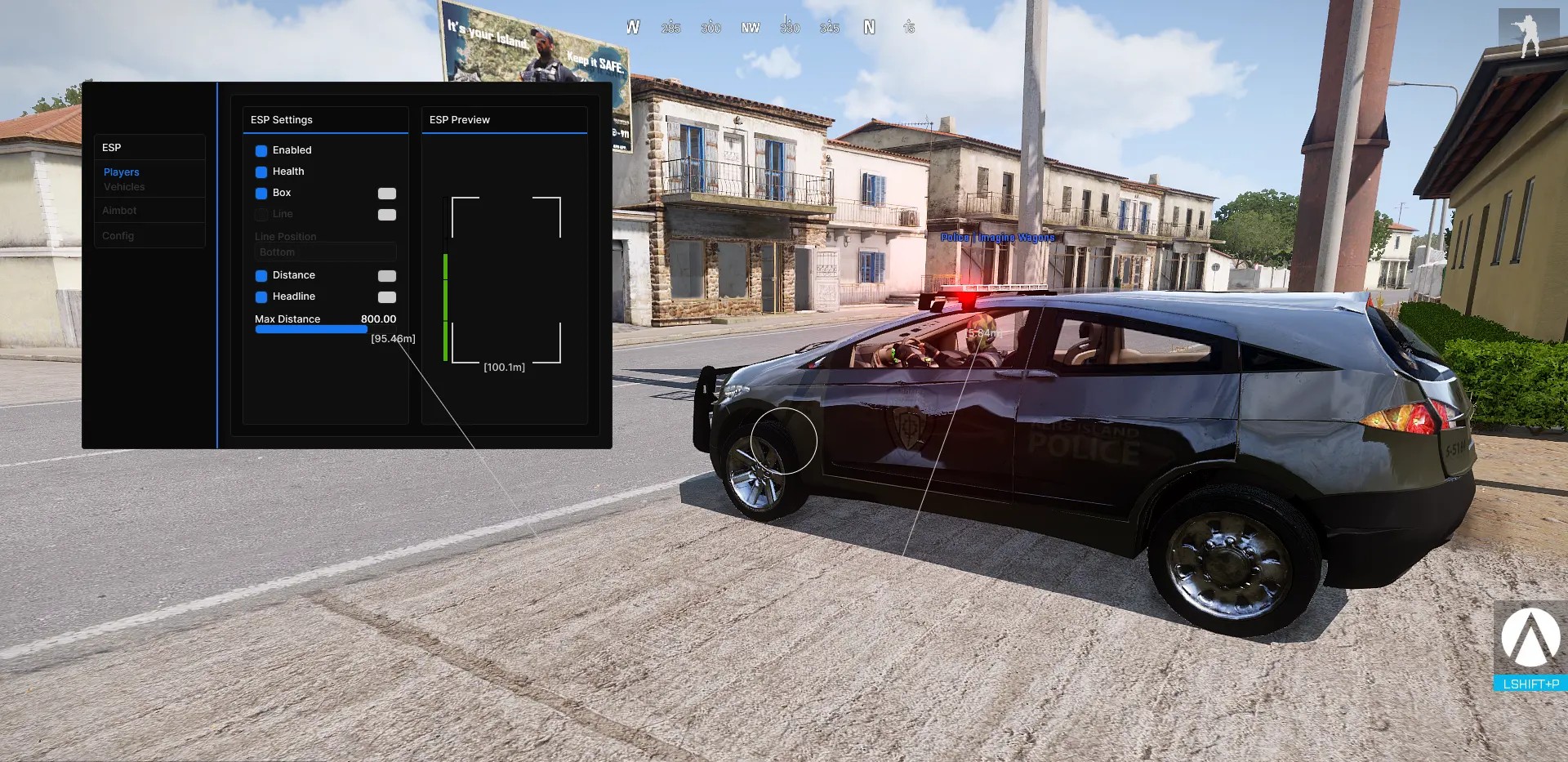
Player ESP
The Player ESP section provides additional information about nearby characters directly on the screen.
This can help users understand where players are located, how far away they are and how much health they currently have. Individual ESP elements can be enabled or disabled to avoid unnecessary visual clutter.
Player ESP Features
- ESP Health
- ESP Box
- ESP Line
- ESP Snapline Type
- ESP Distance
- ESP Headline
- Maximum Display Distance
ESP Health
The health ESP displays the current health information of visible players.
This can be useful when deciding whether to continue an engagement, change targets or approach a situation more carefully.
ESP Box
Box ESP places a visual frame around detected player models.
It provides a clear indication of player position and can make characters easier to identify against complex terrain, structures or vegetation.
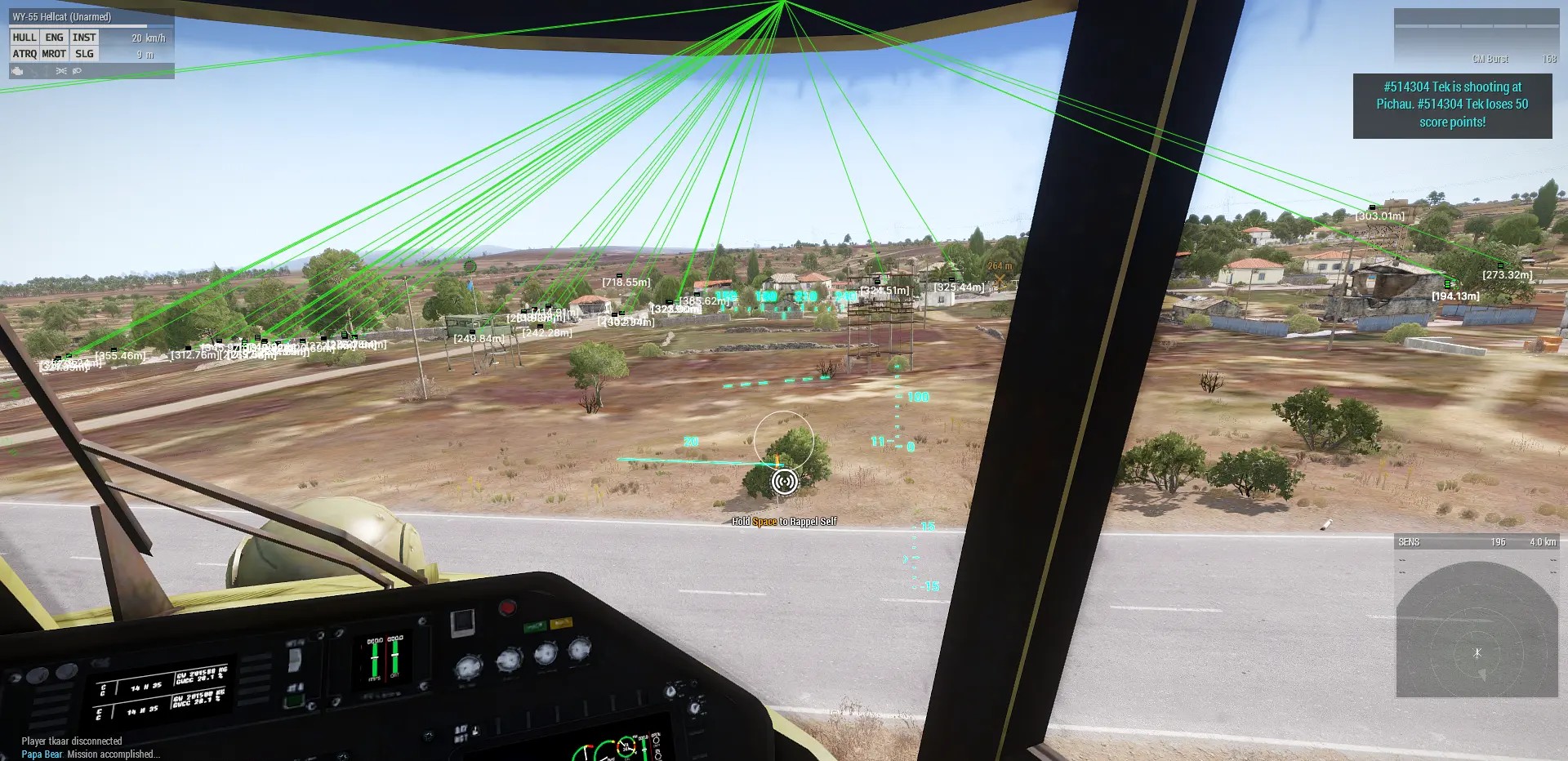
ESP Line
The line ESP draws a directional line toward detected players.
This creates a quick visual reference that can help users understand where other characters are located in relation to their own position.
ESP Snapline Type
CapyPrivate allows the snapline style or origin point to be adjusted.
This helps users create a layout that feels natural for their screen configuration and preferred interface style.
ESP Distance
Distance ESP shows how far away a detected player is.
Arma 3 frequently includes medium-range and long-range combat, making distance information particularly useful when observing targets or preparing an engagement.
ESP Headline
The headline option adds a visual indicator near or above the detected player.
It can be used alongside boxes, distance information and health ESP to create a more complete visual profile.
Maximum Player ESP Distance
Users can set the maximum range at which Player ESP information is displayed.
Reducing the range can keep the interface cleaner during close-range gameplay, while increasing it may provide more information across wider areas.
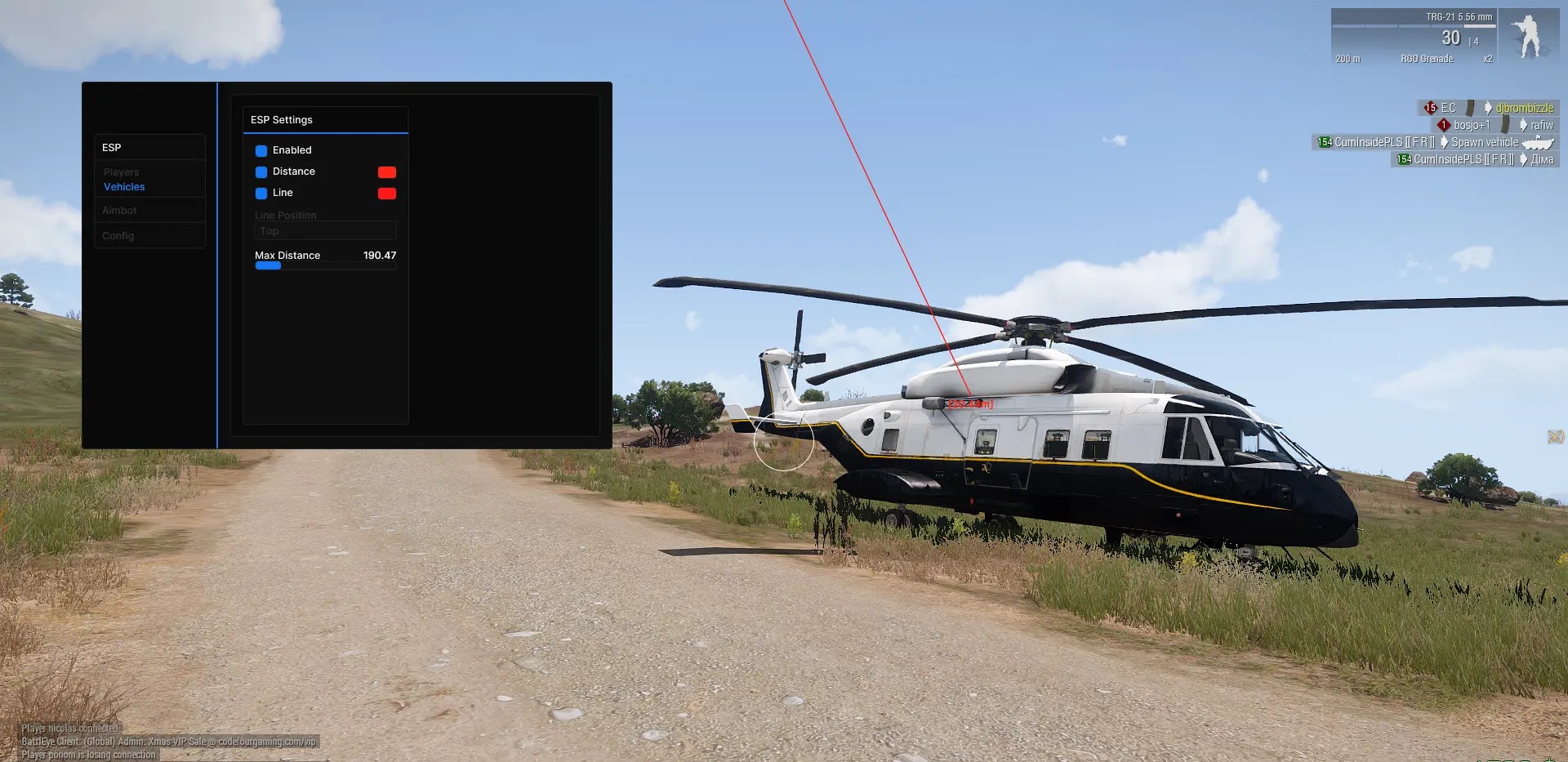
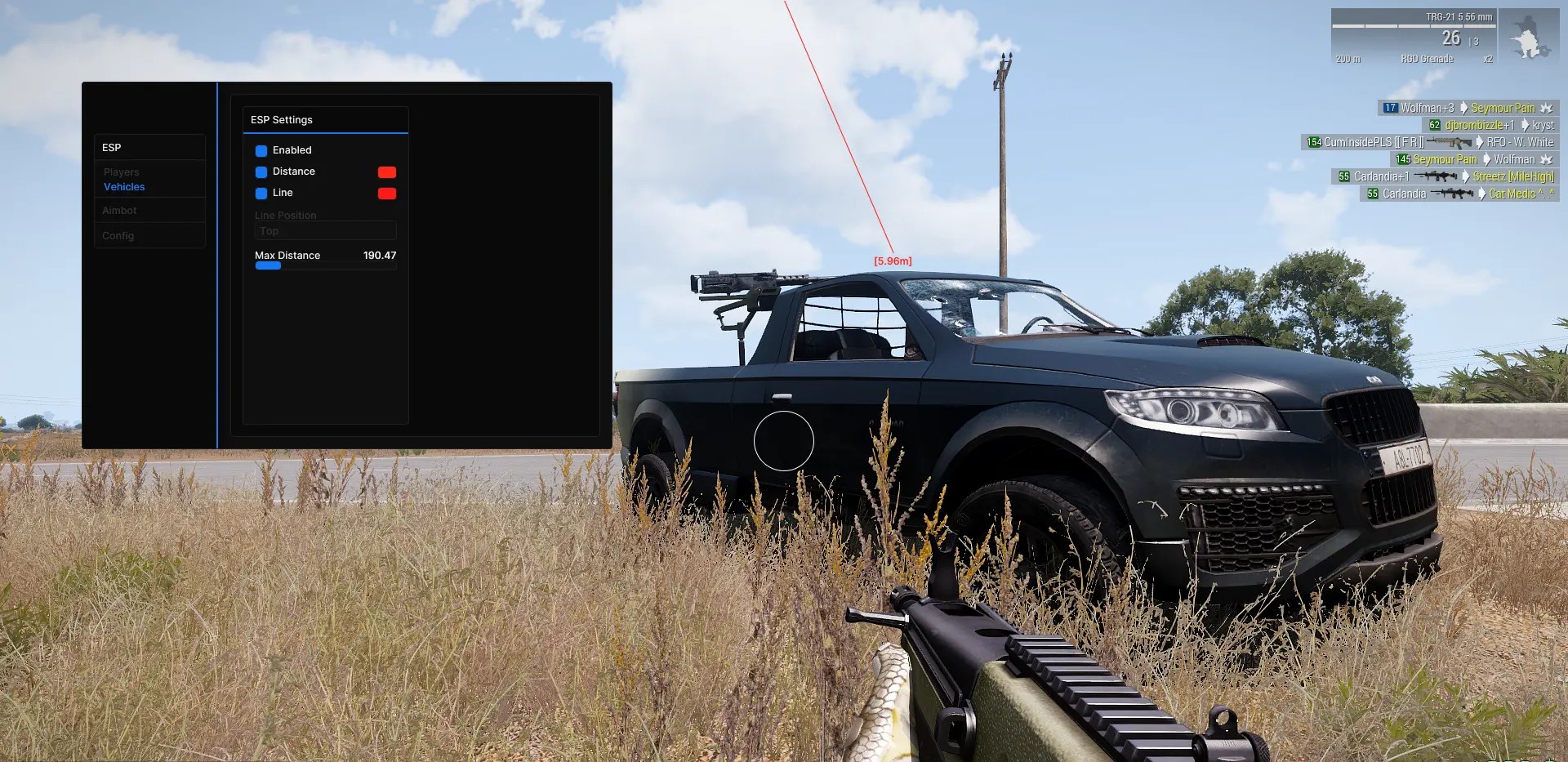
Vehicle ESP
Vehicles are a major part of Arma 3 gameplay. CapyPrivate includes a dedicated Vehicle ESP section for users who want additional information about nearby transport and combat vehicles.
Vehicle ESP Features
- Vehicle Distance ESP
- Vehicle Line ESP
- Vehicle Snapline Type
- Maximum Vehicle ESP Distance
Vehicle Distance
Vehicle distance information displays how far away a detected vehicle is.
This can help when observing roads, military positions, open terrain or areas where vehicles may approach from a significant distance.
Vehicle Line
Vehicle line ESP draws a directional line toward detected vehicles.
It provides an immediate visual reference and can make it easier to track vehicle positions while moving through large environments.
Vehicle Snapline Type
Users can select the preferred snapline presentation for vehicle indicators.
This allows the vehicle ESP layout to be adjusted separately from the player ESP configuration.
Maximum Vehicle ESP Distance
The maximum display range controls how far away vehicles can appear through the ESP system.
Users can lower the distance for a cleaner interface or increase it when more extensive vehicle awareness is required.
Silent Aimbot
CapyPrivate includes a configurable Silent Aimbot designed to provide target assistance through a simple set of controls.
Instead of presenting users with dozens of complicated aiming parameters, the menu focuses on the main options needed to activate and manage the feature.
Silent Aimbot Features
- Enable or disable Silent Aimbot.
- Assign a custom Aimbot hotkey.
- Draw the selected FOV area.
- Adjust the Aimbot FOV.
- Select the preferred aim target.
Custom Aimbot Hotkey
The Aimbot can be assigned to a custom keyboard or mouse button.
This allows the feature to remain inactive until the selected hotkey is pressed, giving users direct control over when aiming assistance is used.
Draw FOV
The Draw FOV option displays the active targeting area on the screen.
This makes it easier to understand which targets can currently be selected by the Aimbot.
Users who prefer a cleaner display can disable the visible FOV circle while keeping the configured targeting range active.
Adjustable Aimbot FOV
The Aimbot FOV controls the size of the target selection area.
A smaller FOV creates a more focused targeting zone near the center of the screen, while a larger FOV allows targets to be selected across a wider area.
This setting can be adjusted according to weapon type, engagement distance and individual preference.
Aim Target Selection
CapyPrivate allows users to choose the preferred targeting area.
Target selection gives users more control over how the Silent Aimbot interacts with detected players and helps adapt the configuration for different combat situations.
Configuration System
The Config section allows users to manage their preferred CapyPrivate settings.
A configuration system is useful for players who want to prepare different layouts for various gameplay situations without rebuilding every option manually.
Possible configurations may include:
- A clean Player ESP setup.
- A vehicle-focused setup.
- A close-range Silent Aimbot profile.
- A wider long-range FOV profile.
- A minimal visual configuration.
- A more detailed awareness configuration.
Saving preferred settings makes it easier to return to the same menu layout and feature combination in future sessions.
Menu Hotkey
CapyPrivate includes a configurable menu hotkey.
This allows users to open or hide the interface quickly while playing. The menu can be accessed when settings need to be changed and hidden again when a clear screen is preferred.
The straightforward layout makes the main features easy to find, even for users who do not want to spend time learning a complicated interface.
Spoof Capture
The Spoof Capture option is included for supported capture situations.
This feature is intended to provide additional control over how the external overlay behaves when compatible recording, streaming or screen-sharing software is being used.
Capture behavior can depend on the recording application, selected capture method and current software version. Users should follow the provided instructions and test their setup before recording or streaming.
External Arma 3 Cheat with an Easy Interface
CapyPrivate uses an external software design and focuses on simplicity.
The menu separates its main functions into clear categories:
- Player ESP
- Vehicle ESP
- Silent Aimbot
- Config
- Menu settings
- Capture settings
This structure makes CapyPrivate suitable for users who want an Arma 3 cheat that does not require a lengthy configuration process before every session.
Users can start with the essential features and gradually adjust distance limits, FOV settings, visual indicators and hotkeys according to their preferences.
Steam Launcher and A3Launcher Compatibility
CapyPrivate can be used with Arma 3 launched through:
- Steam Launcher
- A3Launcher
This makes the software suitable for users who launch the standard Steam version of Arma 3 as well as players who use A3Launcher to access supported community servers and modded environments.
The current setup instructions should always be followed because launcher, Windows or game updates may affect the required launch order.
Product Compatibility
- Game: Arma 3
- Software Type: External
- Operating System: Windows 10 and Windows 11
- Launchers: Steam Launcher and A3Launcher
- Player ESP: Included
- Vehicle ESP: Included
- Silent Aimbot: Included
- Config System: Included
- Spoof Capture: Included
Compatibility can change after game, launcher or Windows updates. Check the current product status before purchasing and activating a license.
System Requirements
Before purchasing CapyPrivate Arma 3 Cheat, make sure your computer meets the basic requirements.
- Supported version of Windows 10 or Windows 11.
- Working installation of Arma 3.
- Steam Launcher or A3Launcher.
- Stable internet connection.
- Administrator access may be required.
- Required system components and drivers should be up to date.
- Conflicting overlays or background applications may need to be closed.
- Installation instructions must be followed in the correct order.
How to Use CapyPrivate Arma 3 Cheat
After purchasing the software, carefully follow the included setup instructions.
For the best installation experience:
- Confirm that Windows 10 or Windows 11 is installed.
- Make sure Arma 3 is installed and working correctly.
- Choose either Steam Launcher or A3Launcher.
- Download the latest available CapyPrivate files.
- Close incompatible overlays or background programs when required.
- Launch the software according to the provided setup guide.
- Enter the license key when requested.
- Open the menu using the assigned hotkey.
- Configure Player ESP, Vehicle ESP and Silent Aimbot.
- Save your preferred configuration.
Using outdated files or skipping installation steps may result in launch or compatibility problems.
What You Receive After Purchase
After completing the order, you receive the available CapyPrivate product access and setup information.
- CapyPrivate Arma 3 Cheat license.
- Download access.
- Installation instructions.
- Player ESP access.
- Vehicle ESP access.
- Silent Aimbot access.
- Configuration options.
- Spoof Capture feature.
- Product support.
The exact delivery method will be displayed during or after checkout.
Frequently Asked Questions
Is CapyPrivate an external Arma 3 cheat?
Yes. CapyPrivate is an external Arma 3 software tool with a separate and easy-to-use interface.
Does CapyPrivate include Player ESP?
Yes. Player ESP includes health, boxes, lines, distance, headline indicators, snapline settings and a customizable maximum display distance.
Can it display vehicles?
Yes. Vehicle ESP includes distance information, lines, snapline settings and an adjustable maximum display range.
Does CapyPrivate include an Aimbot?
Yes. CapyPrivate includes a Silent Aimbot with a custom hotkey, adjustable FOV, visible FOV display and aim target selection.
Can I change the menu hotkey?
Yes. A dedicated hotkey option is available for opening and hiding the software menu.
Does CapyPrivate support A3Launcher?
Yes. CapyPrivate is functional with both the Steam Launcher and A3Launcher.
Does it support Windows 11?
Yes. The software supports compatible versions of Windows 10 and Windows 11.
Can I save my settings?
Yes. CapyPrivate includes configuration options for managing preferred settings.
What is Spoof Capture?
Spoof Capture is a capture-related feature designed to provide additional control over the visibility of the external overlay in supported recording or screen-sharing scenarios. Results can vary depending on the capture software and selected capture mode.
Is permanent undetected status guaranteed?
No third-party software can guarantee permanent undetected status. Game, launcher and protection updates can affect compatibility at any time. Always check the latest status before use.
Buy CapyPrivate Arma 3 Cheat
CapyPrivate Arma 3 Cheat is a practical option for players looking for an external Arma 3 tool with Silent Aimbot, Player ESP, Vehicle ESP, configurable distance settings and Spoof Capture.
Its clean interface keeps configuration straightforward, while support for both the Steam Launcher and A3Launcher makes it suitable for different Arma 3 launch methods.
Choose your preferred license duration, complete the order and follow the included setup instructions to begin using CapyPrivate Arma 3 Cheat on Windows 10 or Windows 11.
| Duration | 1 day, 7 days, 15 days, 30 days |
|---|
Reviews
There are no reviews yet.