
-
×
 Escape From Tarkov Standard Full Access
1 × $28.99
Escape From Tarkov Standard Full Access
1 × $28.99
CapyPrivate EFT Private Software
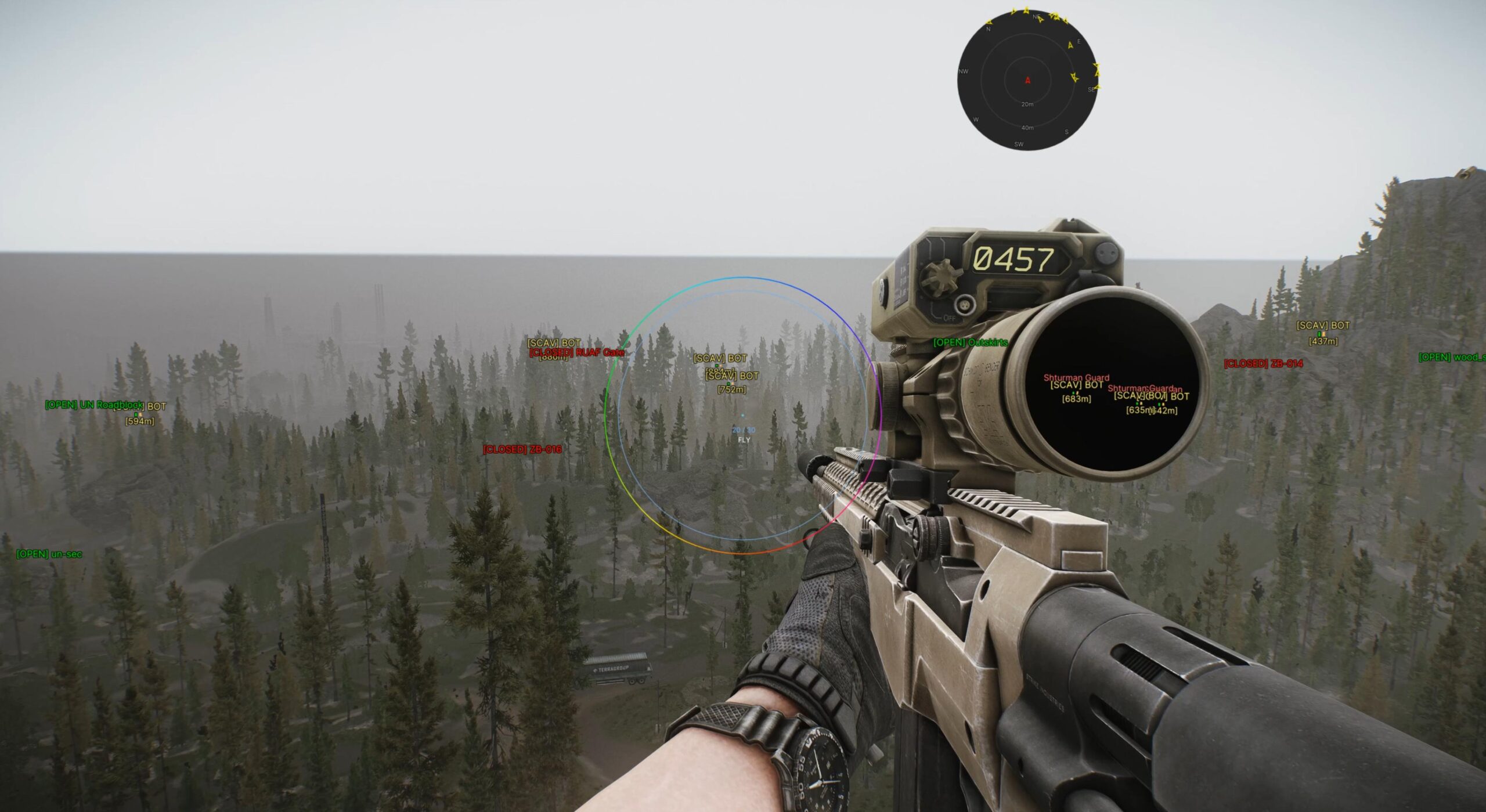
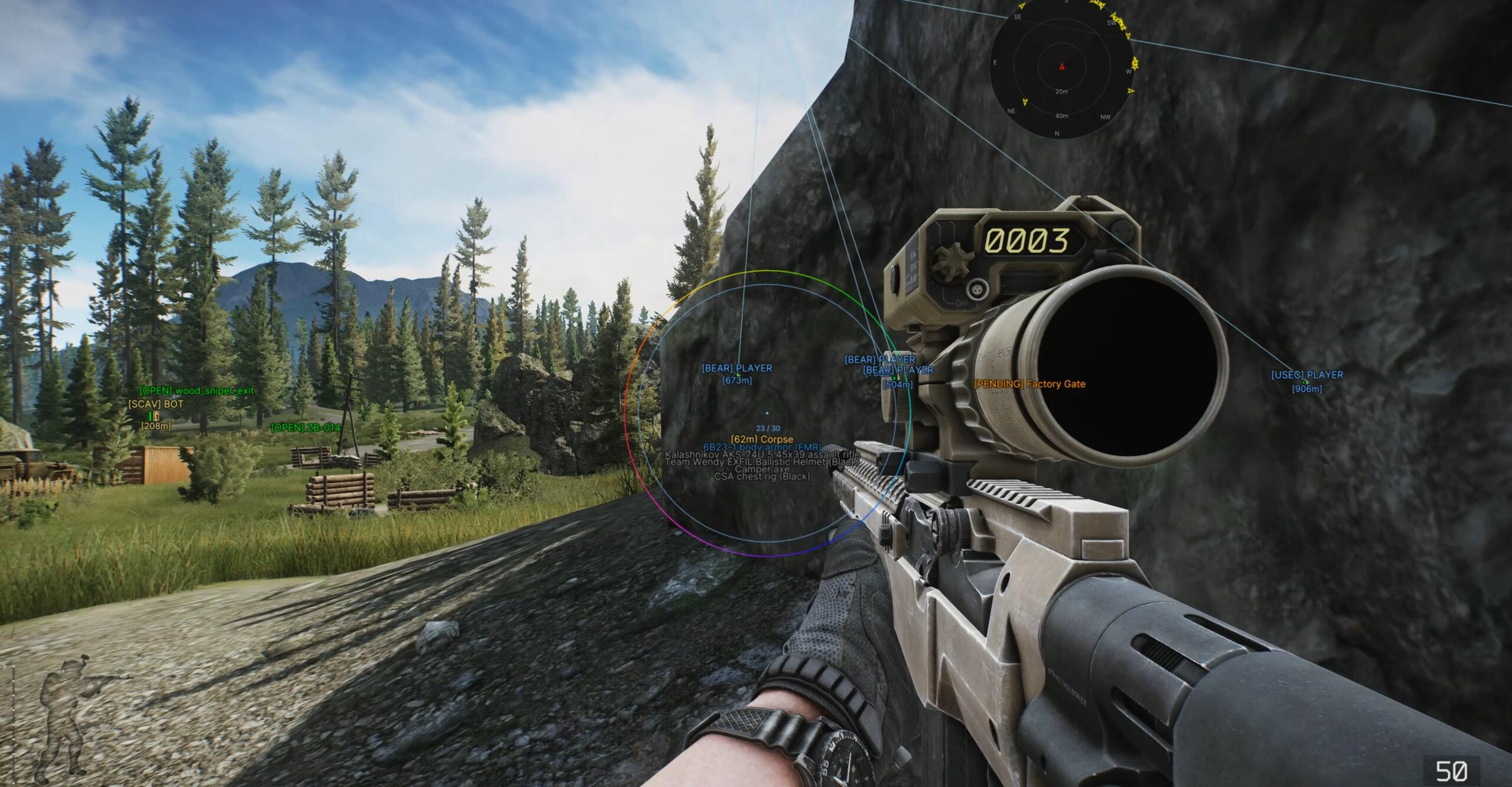
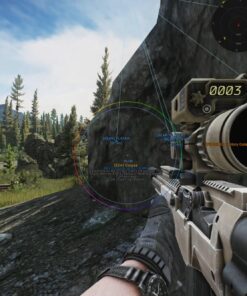
CapyPrivate EFT is a premium private cheat product for Escape from Tarkov users who need a clean, powerful and highly customizable setup with advanced visual modules, radar, item display, player information, weapon settings and flexible hotkeys.
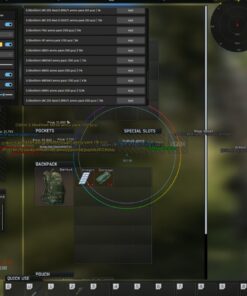
The product is part of the CapyPrivate private line, focused on stability, smooth configuration, clean menu design and a feature-rich user experience. CapyPrivate EFT includes multiple advanced sections in one package, including player visuals, AI visuals, item display, container filters, radar, world information, weapon modifiers, crosshair settings and save/load configs.
This software is designed for users who want a private EFT product with deep customization, organized settings and a comfortable menu layout.
System Support
Supported operating systems:
- Windows 10: all versions
- Windows 11: all versions
- Private CapyPrivate build
- Custom menu key
- Save and load configs
- Panic key support
- Instant unload button
CapyPrivate EFT is made for modern Windows systems and gives users the ability to save their preferred configuration for faster setup.
Main CapyPrivate EFT Features
CapyPrivate EFT includes a wide list of configurable modules:
- Aim configuration
- Advanced aim mode
- Player visual display
- AI and bot visual display
- Ground item display
- Container display
- Corpse display
- World information display
- Extraction point display
- Grenade indicators
- Radar
- Crosshair settings
- Weapon modifiers
- Player tweaks
- Hotkeys
- Save and load configs
All features are organized inside a clean private menu, making the software easy to configure for different preferences and setups.
Aim Configuration
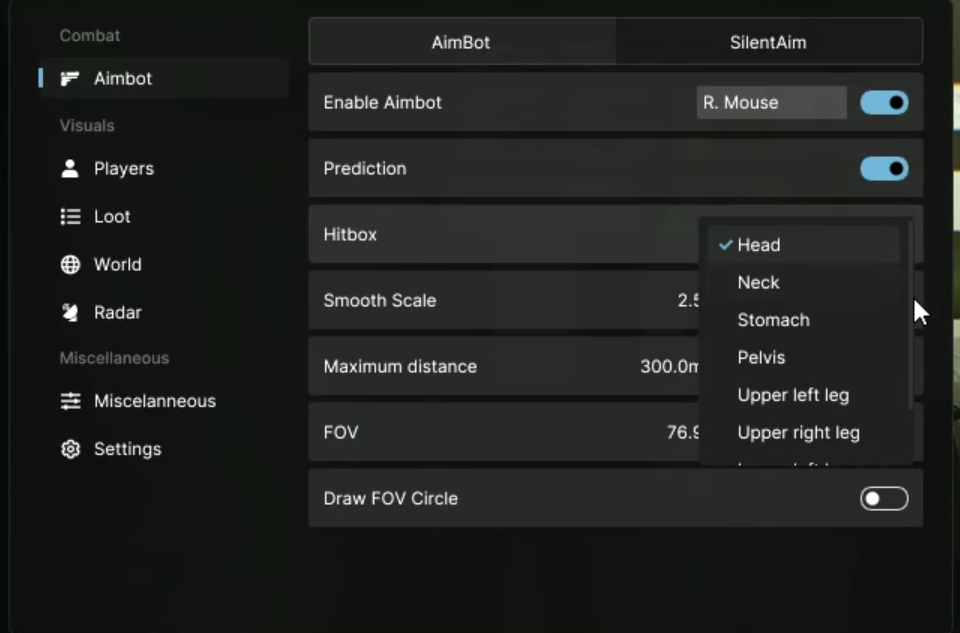
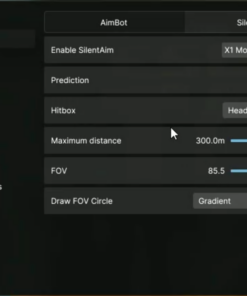
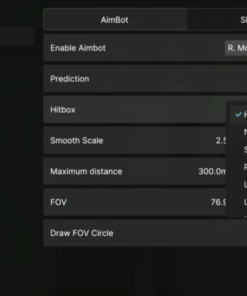
The aim configuration section includes detailed settings for targeting behavior, smoothing, distance limits, FOV display and hitbox selection.
Aim Features
- Vector aim module
- Enable option with keybind
- Prediction setting
- Hitbox selection
- Smooth scale from 1.0 to 10.0
- Maximum distance from 1m to 1000m
- Field of view from 1° to 180°
- FOV circle display
- Filled, outline and gradient FOV styles
- Custom color settings
- Custom draw type settings
Hitbox Selection
Available hitbox options:
- Head
- Neck
- Stomach
- Pelvis
- Upper legs
- Lower legs
This section gives users flexible control over how the aim module is configured.
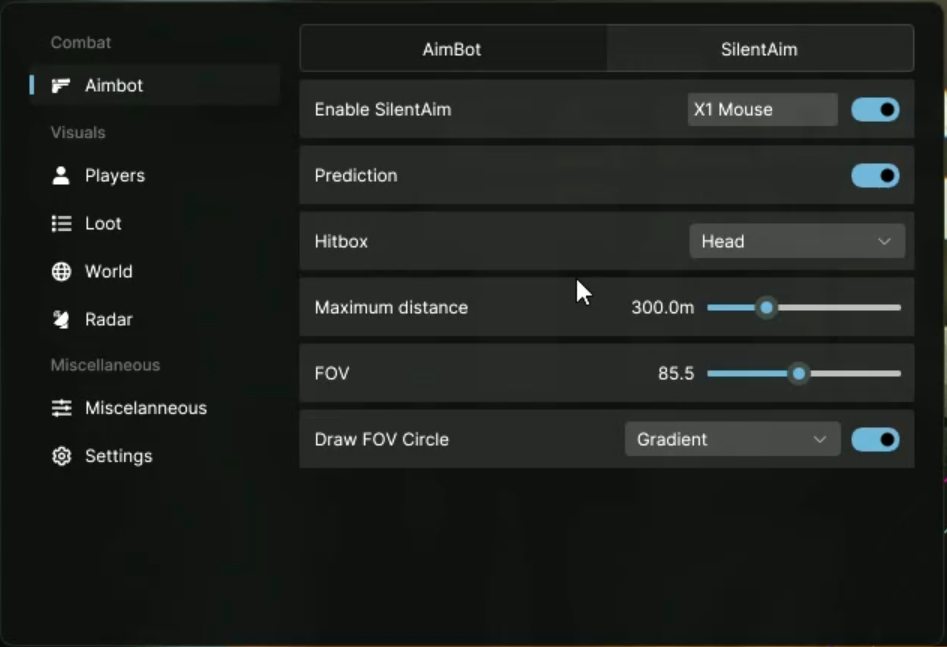
Advanced Aim Mode
CapyPrivate EFT also includes a separate advanced aim mode with its own keybind and independent configuration. This allows users to create different setups for different preferences.
Advanced Aim Settings
- Separate enable option
- Custom keybind
- Prediction setting
- Hitbox selection
- Maximum distance from 1m to 1000m
- Field of view from 1° to 180°
- FOV circle display
- Filled FOV style
- Outline FOV style
- Gradient FOV style
- Custom colors
- Custom draw types
Players Visual Display
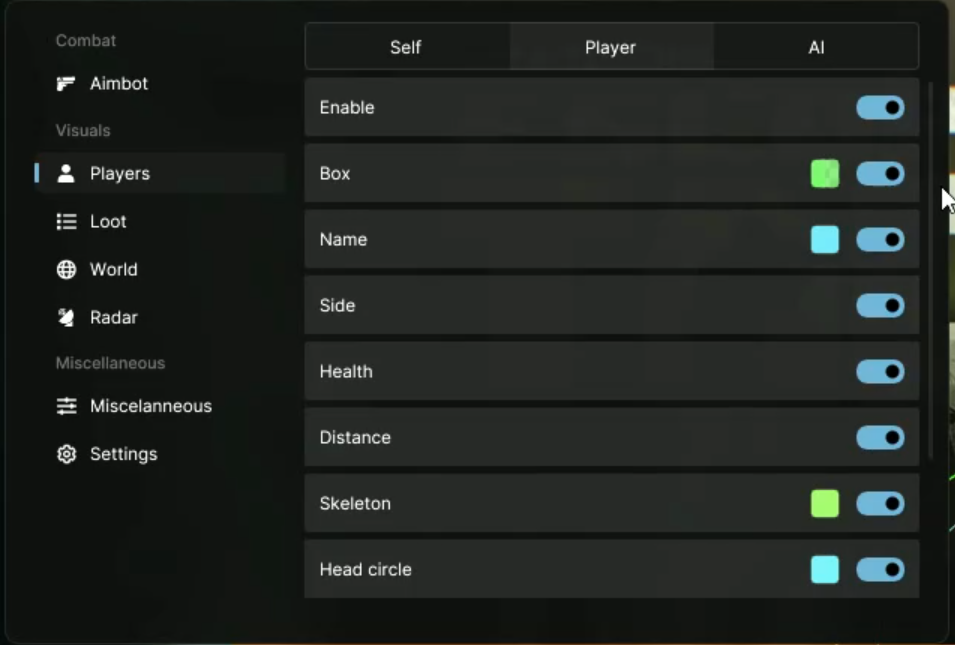
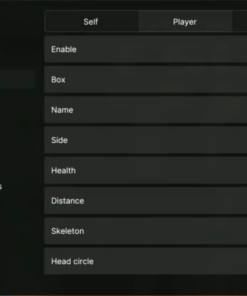
The player visual system is one of the core modules of CapyPrivate EFT. It allows users to display detailed information about players with customizable colors, boxes, skeletons, lines, health bars, distance and chams.
Local Player Display
- Show ammo
- Custom ammo color
Enemy Player Display
- Enable option
- Box display
- Custom box color
- Name display
- Side indicator
- Health bar
- Distance display
- Skeleton display
- Head circle
- Line display
- Top, middle and bottom line positions
- Line color selection
- Line type selection
- Chams display
- Default chams style
- Solid chams style
- Custom chams color
- Custom chams type
- Maximum distance from 1m to 1000m
The enemy display section is fully configurable, allowing users to adjust what information is shown and how it appears on screen.
AI and Bot Visual Display
CapyPrivate EFT includes a separate visual section for AI and bot entities. This makes it easier to configure different display rules for non-player characters and bosses.
AI / Bot Display Features
- Enable option
- Box display
- Custom box color
- Name display
- Side indicator
- Boss name display
- Health bar
- Distance display
- Skeleton display
- Head circle
- Line display
- Top, middle and bottom line positions
- Line color selection
- Line type selection
- Chams display
- Default chams style
- Solid chams style
- Custom chams color
- Custom chams type
- Maximum distance from 1m to 1000m
This module can be customized separately from enemy player visuals, giving users more control over the final layout.
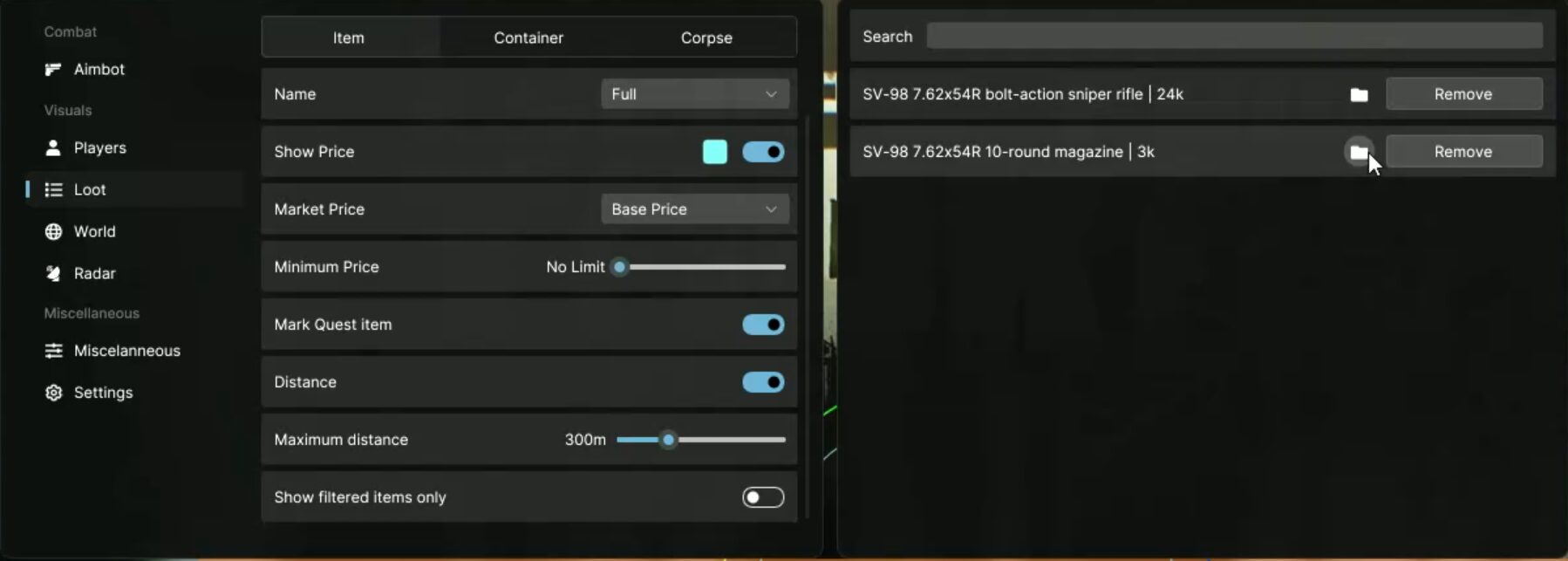
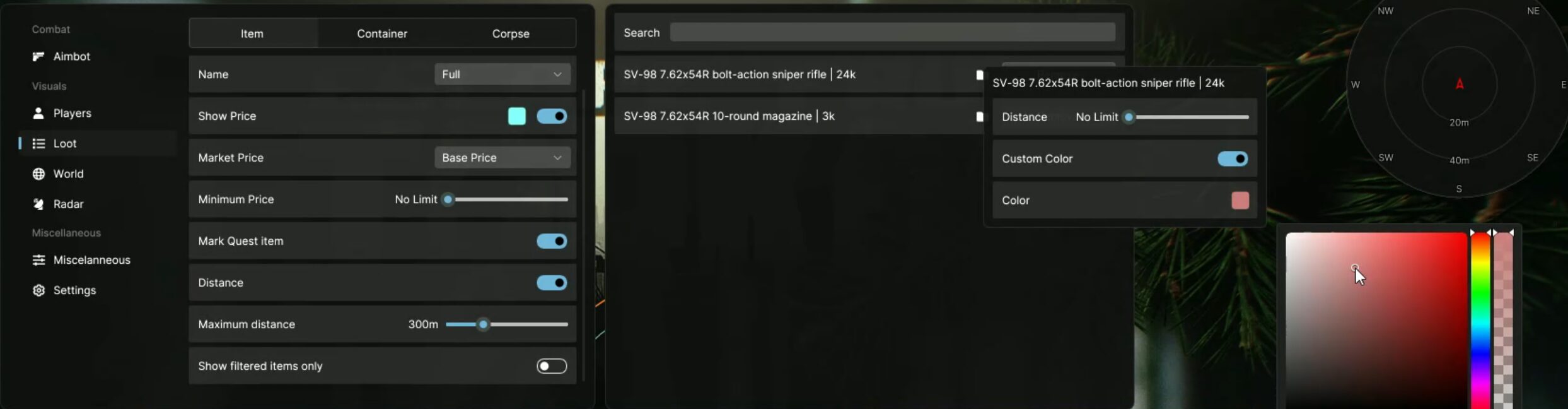
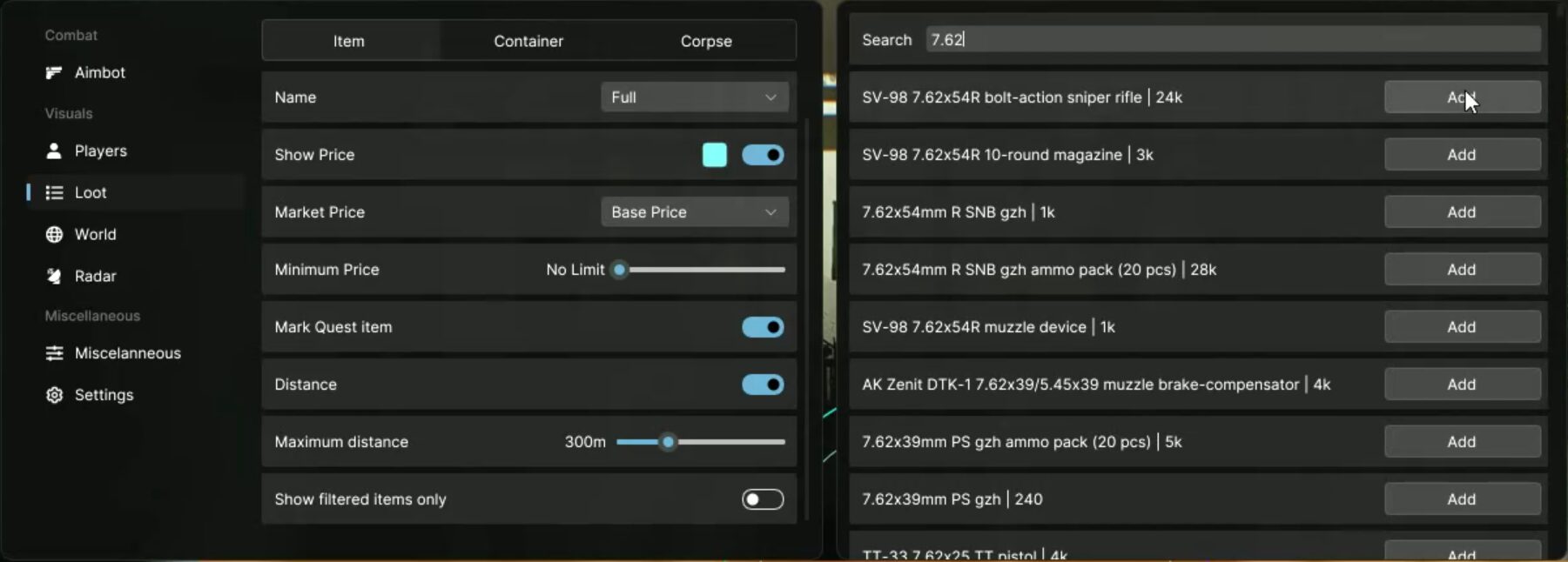
Items Display
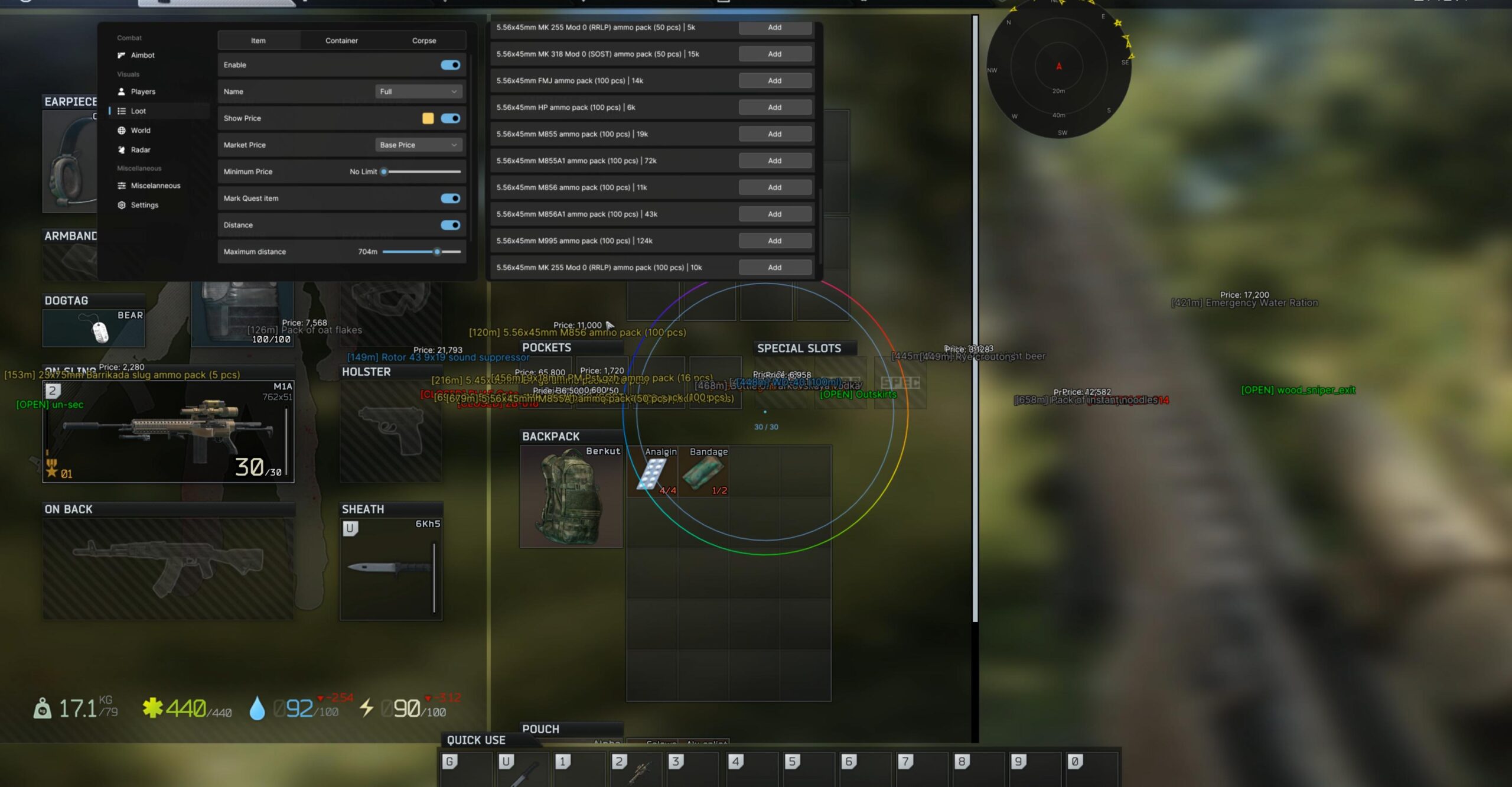
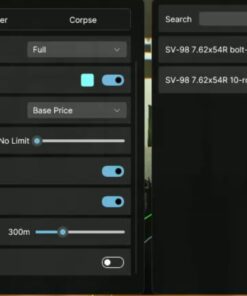
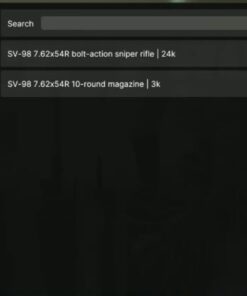
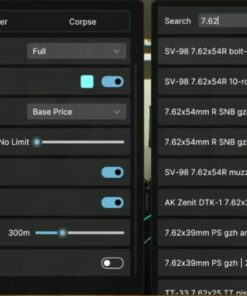
CapyPrivate EFT includes a powerful item display module with filters, price settings, name modes, quest item markers and distance options.
Ground Items Features
- Enable option
- Item name display
- Full name mode
- Short name mode
- Show item price
- Custom price color
- Market price source selection
- Minimum price filter
- Quest item marker
- Distance display
- Maximum distance from 1m to 1000m
- Show filtered items only
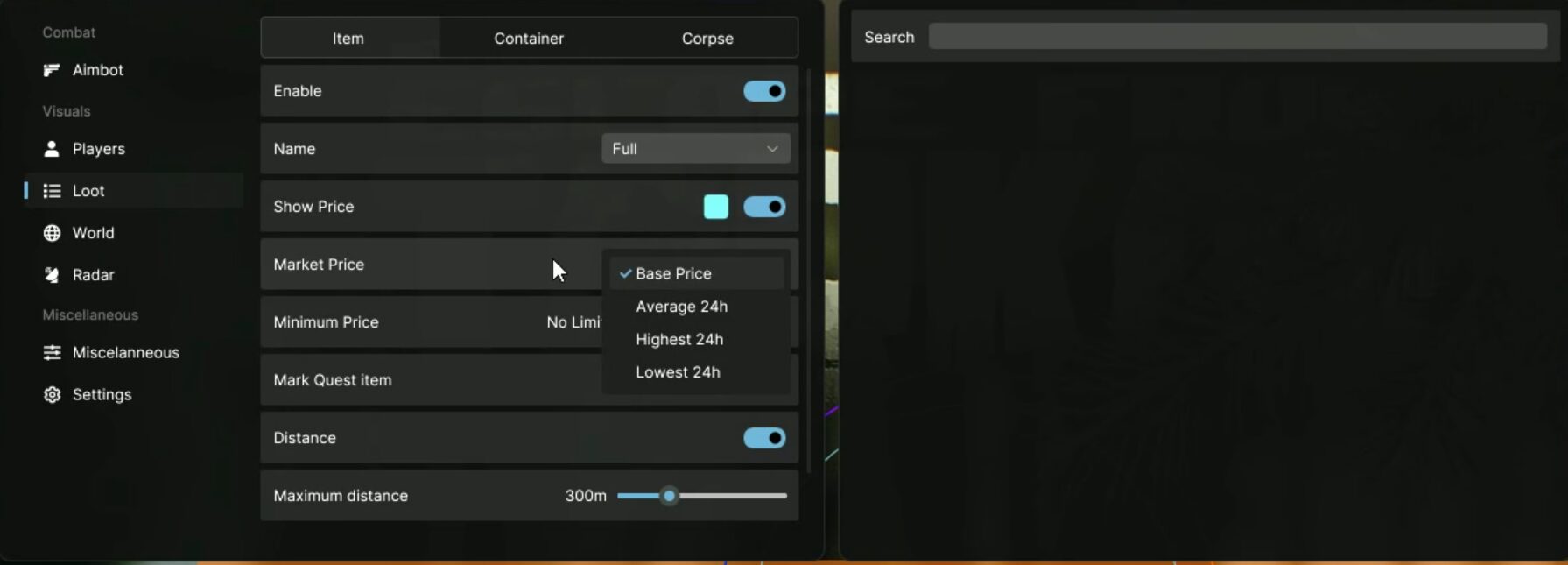
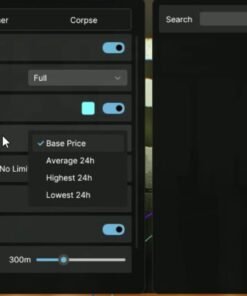
Market Price Sources
Available market price options:
- Base price
- Average 24h price
- High 24h price
- Low 24h price
Item Price Filter
The minimum price filter can be adjusted from:
0₽ to 1,500,000₽
This allows users to hide low-value items and display only items that match their selected price range.
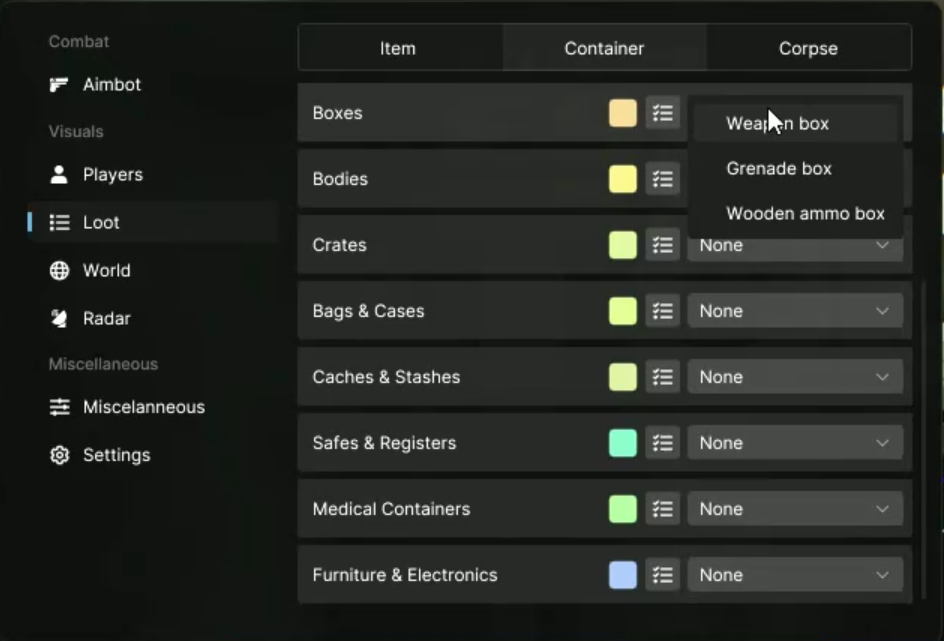
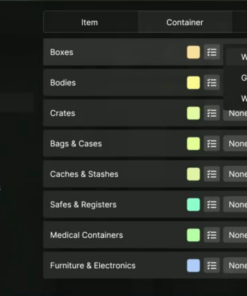
Containers Display
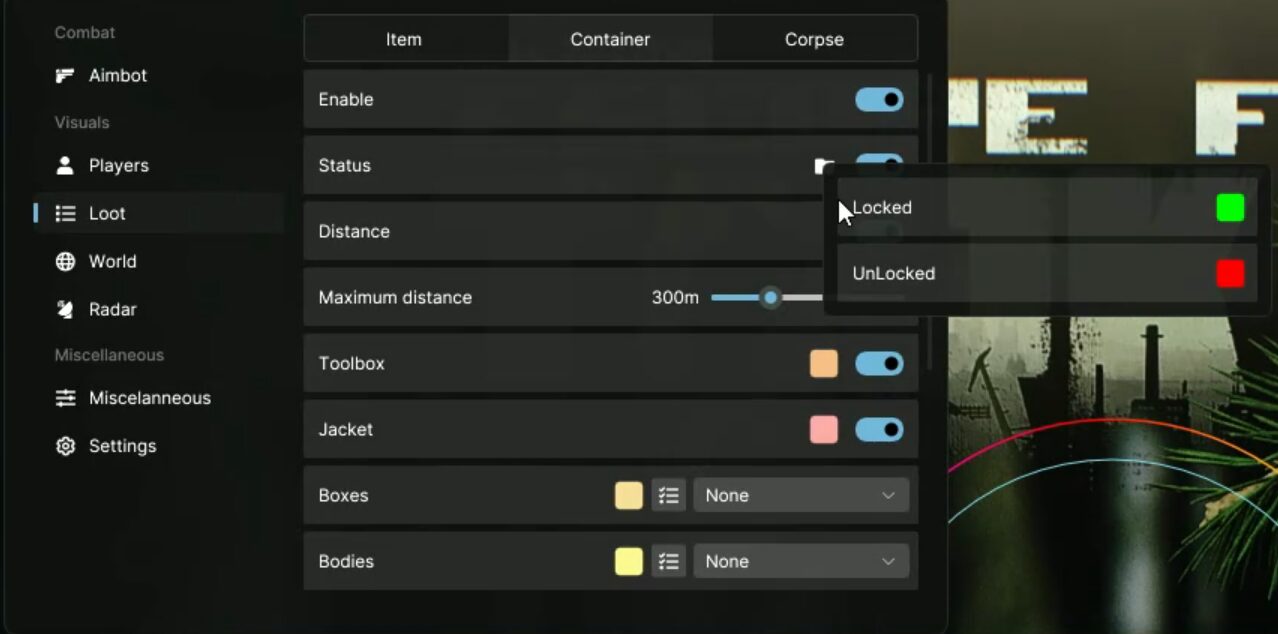
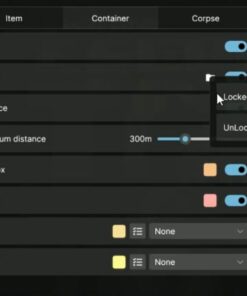
The container display module includes support for many different container types with individual color selection, locked/unlocked status filters and distance settings.
Container Features
- Enable option
- Locked status filter
- Unlocked status filter
- Custom status colors
- Show distance
- Maximum distance from 0m to 1000m
- Individual color selection for supported containers
Supported Containers
Toolboxes and Jackets
- Toolbox
- Jacket
Weapon Containers
- Weapon box
- Grenade box
- Wooden ammo box
Bodies
- Dead Scav
- PMC body
- Scav body
- Civilian body
- Lab technician body
Crates
- Wooden crate
- Ration crate
- Medical crate
- Technical crate
Bags and Cases
- Duffle bag
- Plastic suitcase
Caches and Stashes
- Ground cache
- Shturman Stash
- Buried barrel cache
Safes and Registers
- Safe
- Bank safe
- Cash register
- Bank cash register
Medical Containers
- Medbag
- Medcase
Furniture and Electronics
- Drawer
- PC block
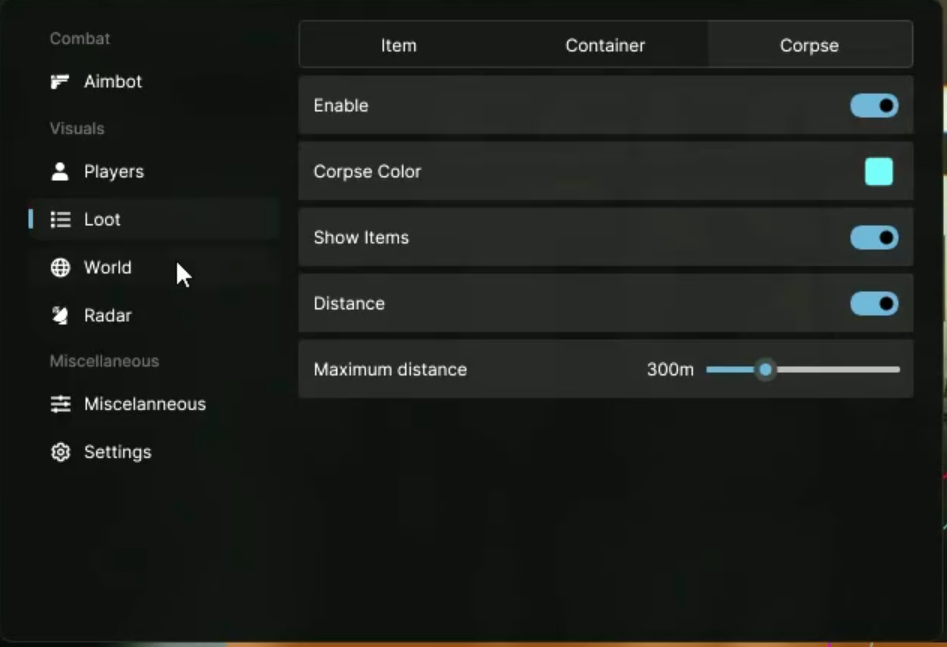
Corpse Display
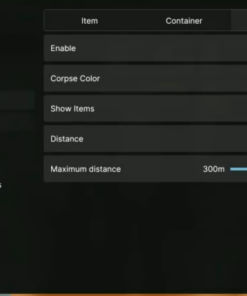
The corpse display section allows users to show corpse-related information, body loot and distance.
Corpse Features
- Enable option
- Custom corpse color
- Show items on body
- Distance display
- Maximum distance from 1m to 1000m
This feature helps users configure how body information appears on screen.
World Information Display
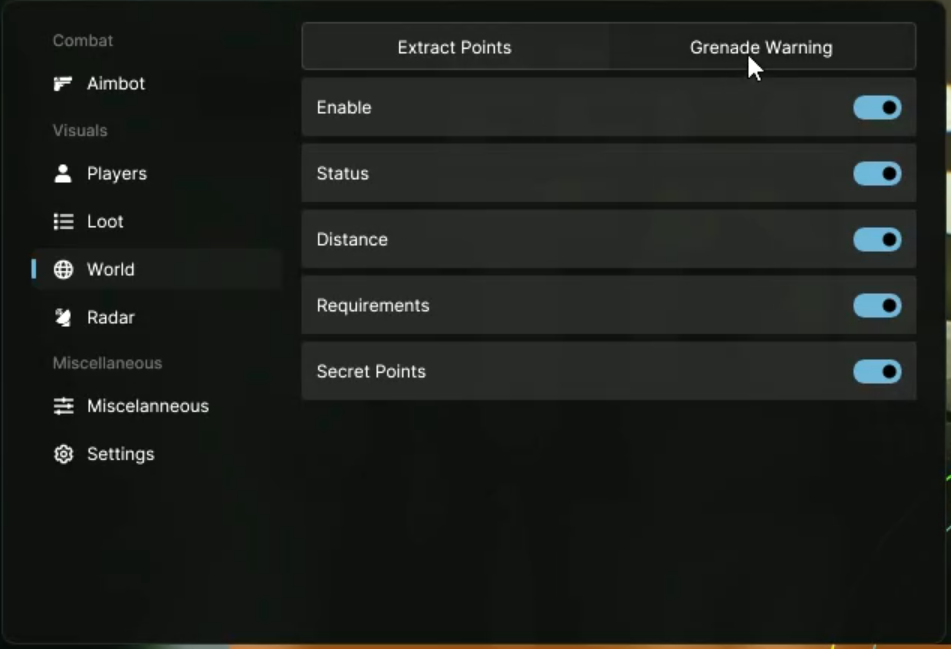
CapyPrivate EFT includes world information modules for extraction points, grenade indicators and other important map-related elements.
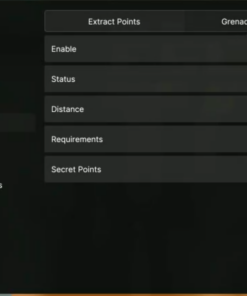
Extraction Point Display
- Enable option
- Show extraction status
- Show distance
- Show extraction requirements
- Reveal secret extract points
The extraction display can show useful information such as status, requirements and distance.
Grenade Display
- Enable option
- Frag grenade indicator
- Custom frag grenade color
- Stun grenade indicator
- Custom stun grenade color
- Smoke grenade indicator
- Custom smoke grenade color
- Timer display
- Distance display
Grenade indicators help display grenade type, timer and distance with customizable colors.
Radar
CapyPrivate EFT includes a configurable radar module with adjustable position, size and range. Users can place the radar on the screen based on their own layout preferences.
Radar Features
- Enable radar
- X coordinate from 100 to 1820
- Y coordinate from 100 to 980
- Radar size from 100 to 200
- Radar range from 60 to 1200
The radar is designed to be compact, adjustable and easy to fit into different screen setups.
Miscellaneous Features
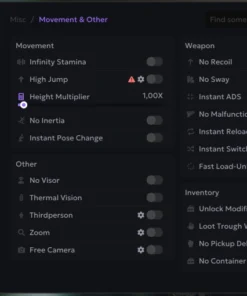
The miscellaneous section includes general interface settings, crosshair options, player tweaks and additional customization tools.
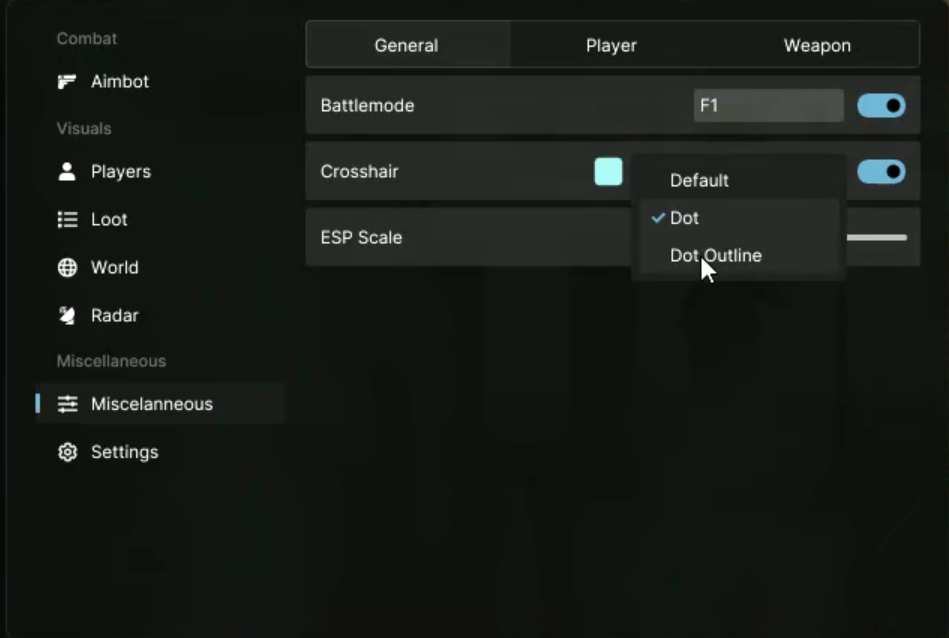
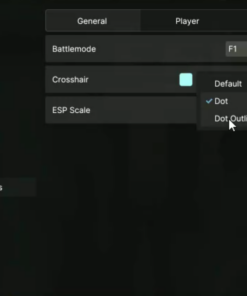
General Settings
- Battlemode with toggle key
- Crosshair display
- Default crosshair
- Dot crosshair
- Dot outline crosshair
- Custom crosshair color
- ESP scale from 1.00x to 2.50x
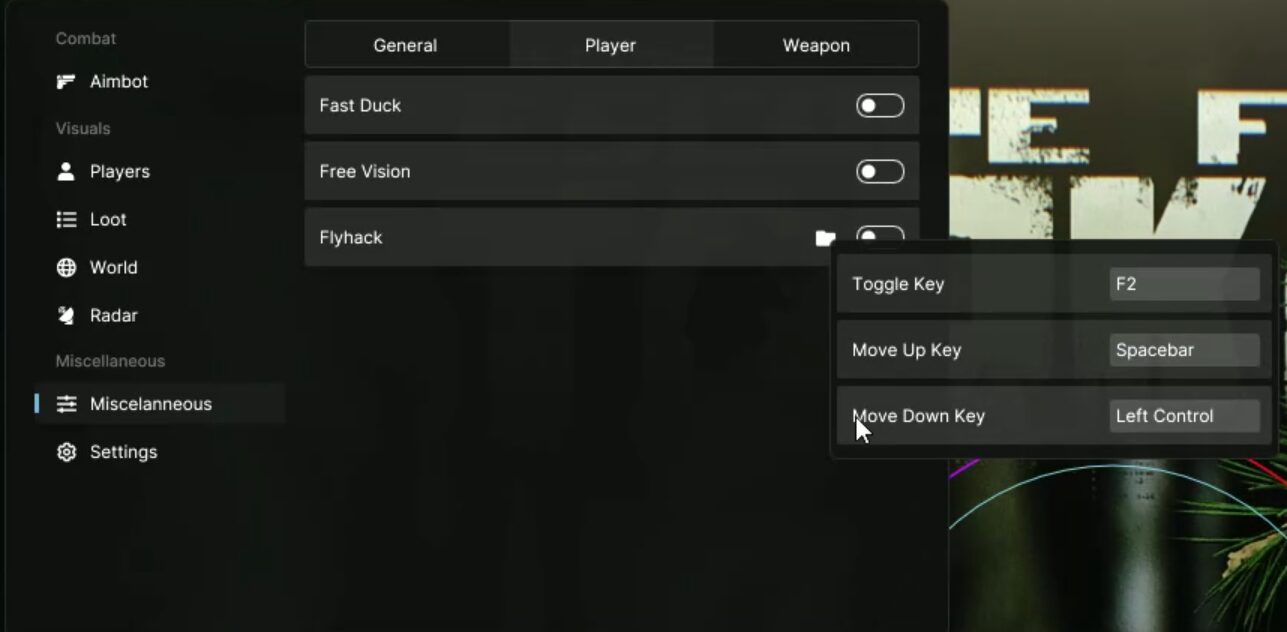
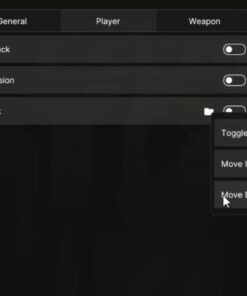
Player Tweaks
- Fast duck
- Adjustable duck speed from 1.0x to 10.0x
- Free vision / freelook
- Fly movement module
- Fly toggle key
- Move up key
- Move down key
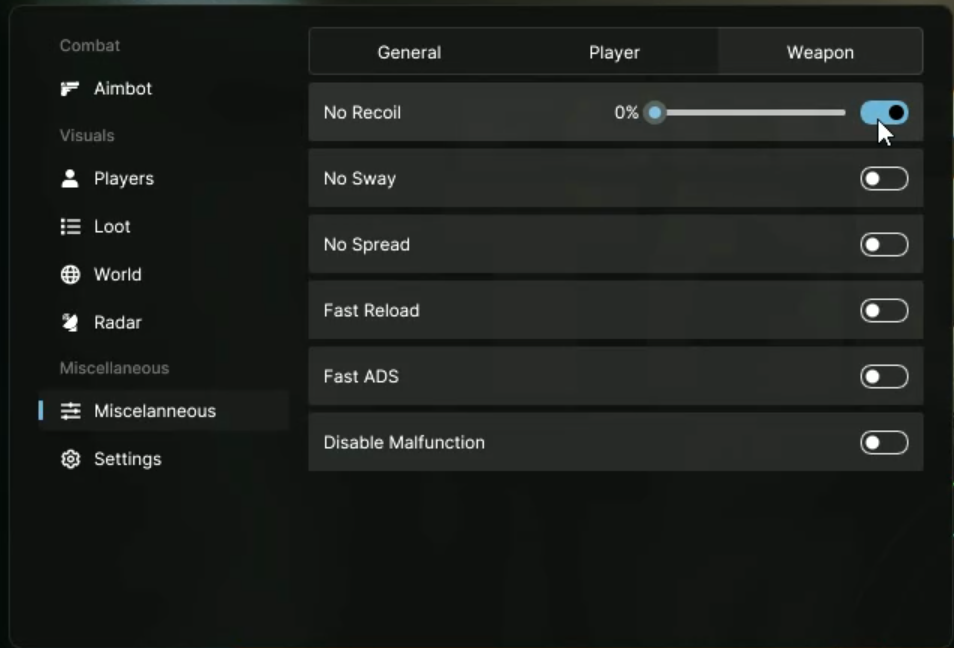
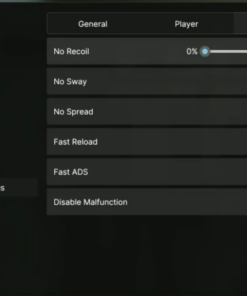
Weapon Modifiers
- No recoil from 0% to 100%
- No sway from 0% to 100%
- No spread from 0% to 100%
- Fast reload from 1.0x to 10.0x
- Fast ADS from 1.0x to 10.0x
- Disable weapon malfunction option
These settings give users additional control over weapon behavior and general configuration.
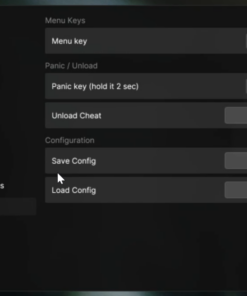
Settings and Hotkeys
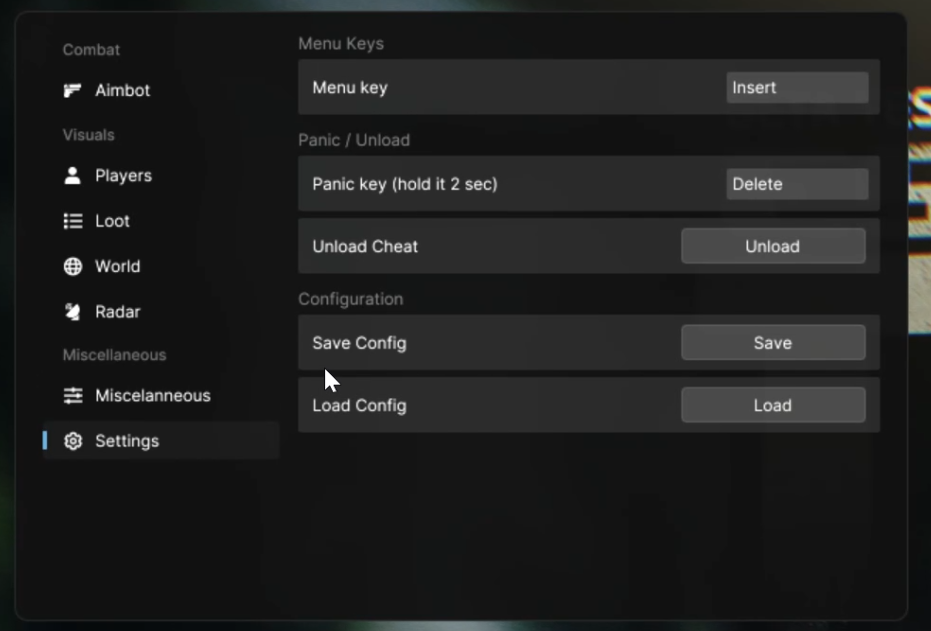
CapyPrivate EFT includes a flexible hotkey system, quick menu controls, panic key support and config management.
Hotkey and Config Features
- Customizable menu key
- Panic key
- Hold panic key for 2 seconds to trigger
- Instant unload button
- Save configs
- Load configs
The save and load config system makes it easy to keep different setups and switch between them quickly.
Why Choose CapyPrivate EFT?
CapyPrivate EFT is designed for users who want a private, clean and feature-rich Escape from Tarkov software product with a large number of configurable modules in one package.
Key Advantages
- Premium CapyPrivate product line
- Large feature set
- Clean menu layout
- Flexible hotkeys
- Detailed visual customization
- Player and AI display settings
- Advanced item display
- Container filters
- Radar module
- World information display
- Weapon modifiers
- Save and load configs
- Windows 10 and Windows 11 support
CapyPrivate EFT is a strong option for users looking for a private EFT product with detailed settings, clean visuals and flexible configuration.
Important Notice
Users are responsible for following the rules, terms and restrictions of any game, platform or service they use. Do not use third-party software in any environment where it is not allowed.
| Duration | 1 day, 7 days, 30 days |
|---|
Be the first to review “CapyPrivate EFT”
Related products
Price range: $7.99 through $59.99
Price range: $10.00 through $120.00
Reviews
There are no reviews yet.