
Browser Radar PUBG Cheat for Steam
Browser Radar PUBG Cheat is a practical external radar solution for PUBG players who want clear map awareness without covering the main game screen with a traditional in-game menu or heavy visual overlay.
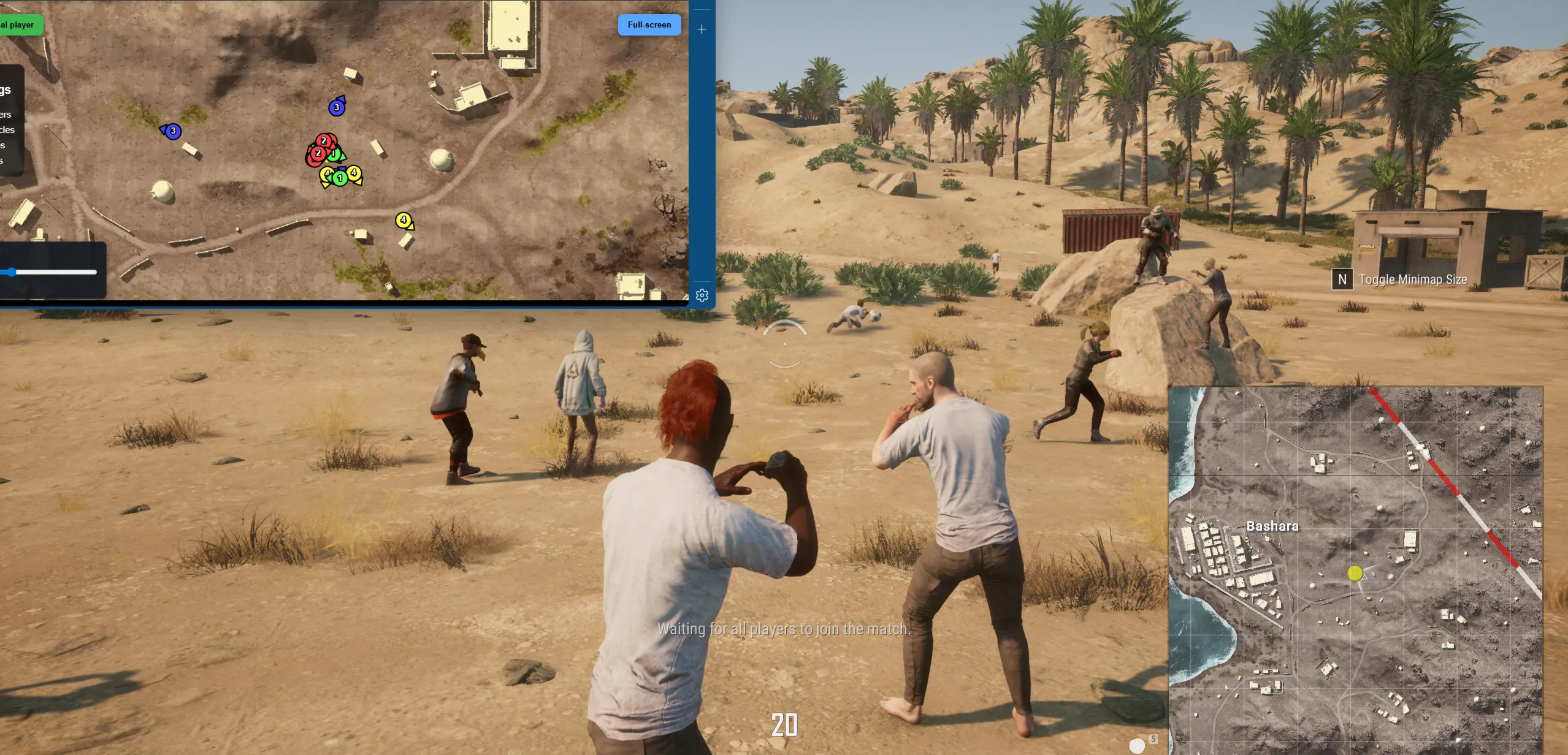
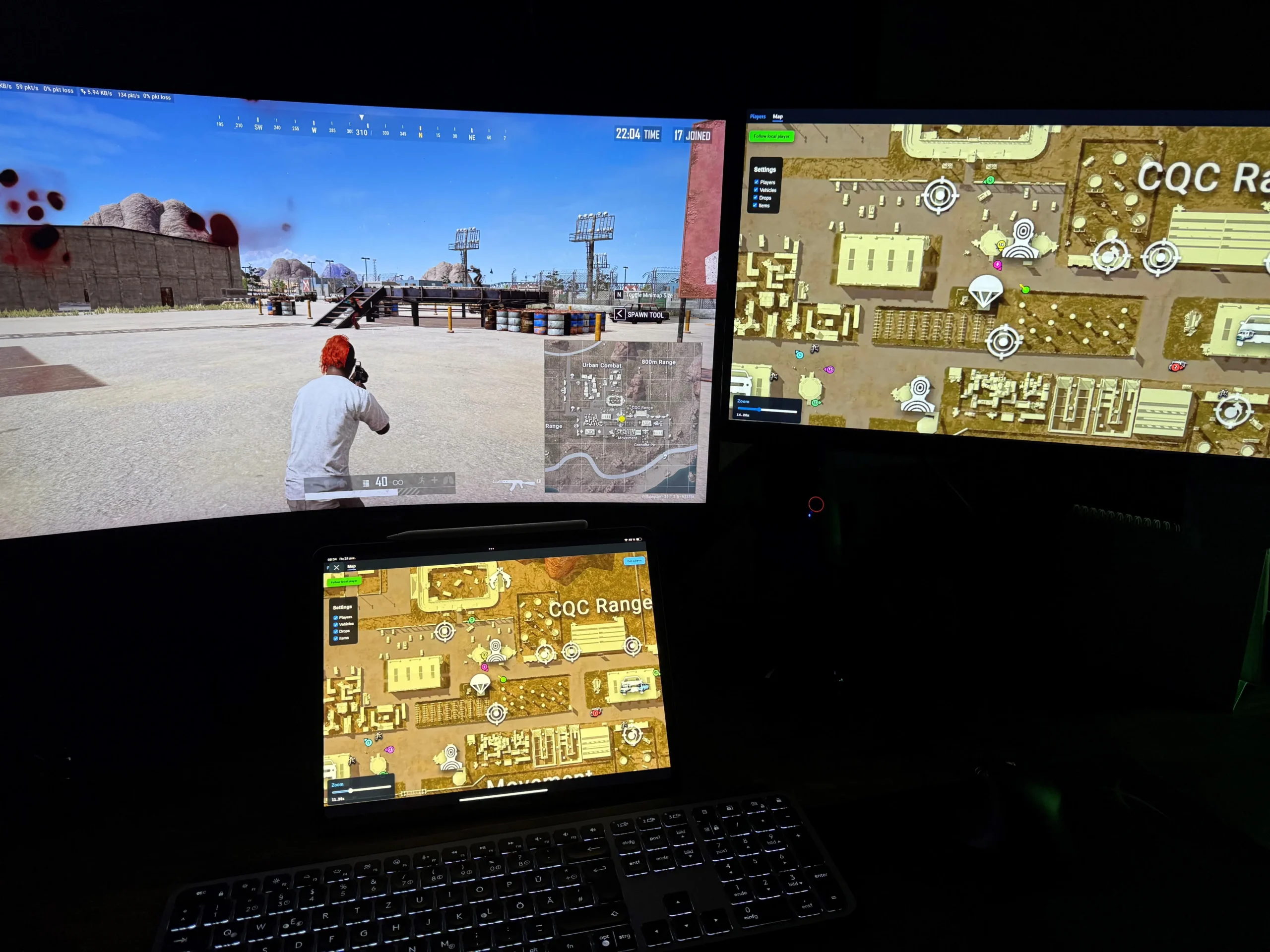
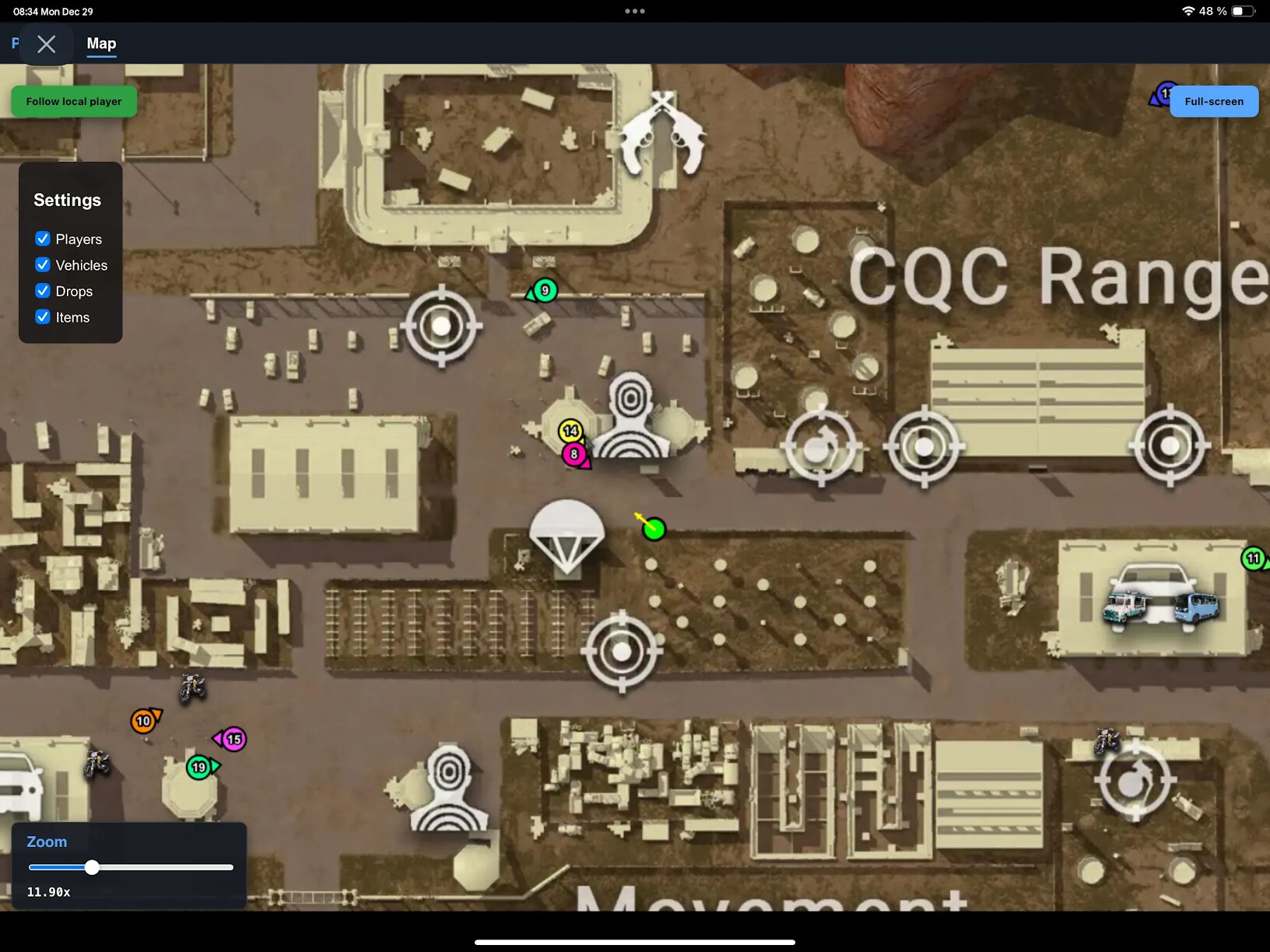
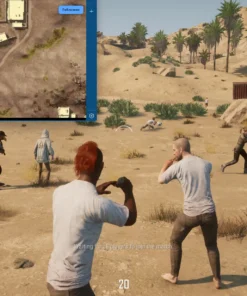
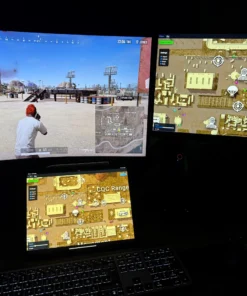
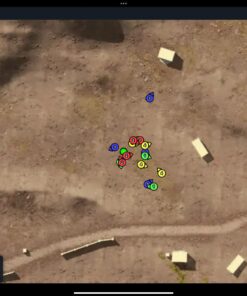
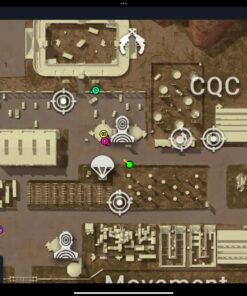
The radar displays important match information through a browser-based interface, including nearby players, vehicles, drops and items. It can be opened directly on the gaming PC or viewed from a separate device such as a smartphone or tablet, allowing you to monitor the map while keeping your main display focused on PUBG.
Browser Radar supports the Steam version of PUBG, works with Intel and AMD processors, and is compatible with supported 64-bit versions of Windows 10 and Windows 11.
Why Choose Browser Radar for PUBG?
PUBG matches often require players to process information quickly. Enemy positions, team numbers, weapons, vehicles and valuable drops can completely change the outcome of an engagement.
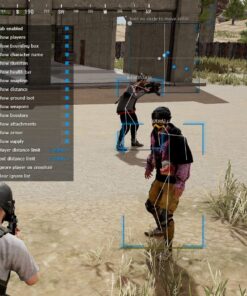
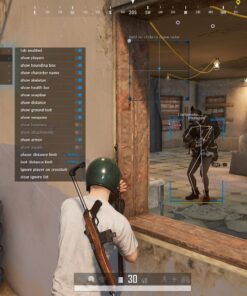
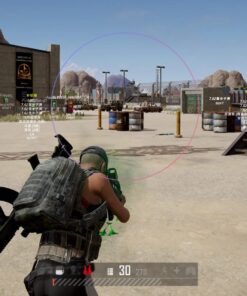
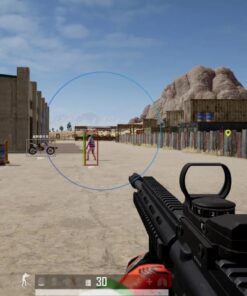
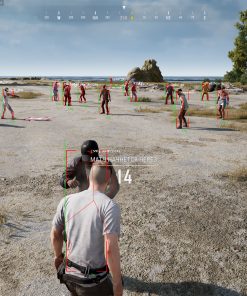
Browser Radar provides this information through a clean map interface instead of filling the game screen with boxes, skeletons and other traditional ESP elements.
Main Advantages
- Browser-based PUBG radar with a clean and accessible interface.
- Display nearby players, vehicles, drops and items on the map.
- Detailed player list with nickname, team number, weapon and ammunition information.
- View the radar on the gaming computer, smartphone or tablet.
- Keep the main PUBG screen cleaner without a large visual overlay.
- Compatible with the Steam version of PUBG.
- Supports windowed, borderless windowed and fullscreen display modes.
- Compatible with supported Intel and AMD processors.
- Supports Windows 10 and Windows 11 x64.
- Works with supported Windows builds beginning from version 1903.
PUBG Browser Radar Features
Browser Radar is divided into two primary sections:
- Players List
- Interactive Map
The Players List provides detailed information about detected players, while the map displays the location of players, vehicles, drops and available items.
This combination gives users both a fast visual overview and more detailed information when needed.
Players List
The Players List displays useful information about players currently detected during the match.
Instead of relying only on map icons, users can check specific details such as the player’s team number, nickname, equipped weapon, remaining ammunition and distance.
Players List Information
- Team ID
- Nickname
- Weapon
- Ammo Count
- Distance
Team ID
The Team ID feature displays the number of the squad or team associated with each detected player.
This is especially useful when several players are positioned close together. By comparing team numbers, users can understand whether nearby players belong to the same squad or represent separate groups.
Team information can help users evaluate a situation before moving toward an area or beginning an engagement.
Player Nicknames
Browser Radar can display the nicknames of detected players.
Nickname information makes it easier to distinguish between different targets in the player list and connect each map position with a specific player.
This can be useful when monitoring repeated movement, recognizing an opponent from an earlier encounter or keeping track of several players positioned around the same location.
Weapon Information
The Players List displays the weapon currently held by a detected player.
Knowing which weapon an opponent is using can provide additional context before an engagement. A player equipped with a sniper rifle may represent a different type of threat than someone holding a shotgun or close-range automatic weapon.
Weapon information can help users decide whether to approach, reposition or maintain additional distance.
Ammo Count
The Ammo Count feature displays the amount of ammunition currently available for the weapon shown in the player list.
This provides more detailed information about a detected opponent and may help users understand whether the player is prepared for a continued fight.
Ammo information is displayed alongside the weapon data for convenient monitoring.
Player Distance
Distance information shows how far away each detected player is.
PUBG includes close-range fights, medium-range engagements and long-distance encounters, making accurate distance information particularly valuable.
Distance data can help users:
- Understand whether an enemy is nearby or far away.
- Prepare the correct weapon for the engagement range.
- Evaluate whether a player is approaching or moving away.
- Prioritize closer threats.
- Monitor movement around buildings, roads and open terrain.
Interactive PUBG Radar Map
The map is the central part of Browser Radar.
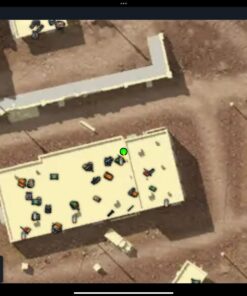
It provides a visual overview of important objects and entities around the player, making it easier to understand what is happening across the surrounding area.
Map Features
- Show Players
- Show Vehicles
- Show Drops
- Show Items
Each category provides a different type of information and helps users build a more complete picture of the match.
Show Players
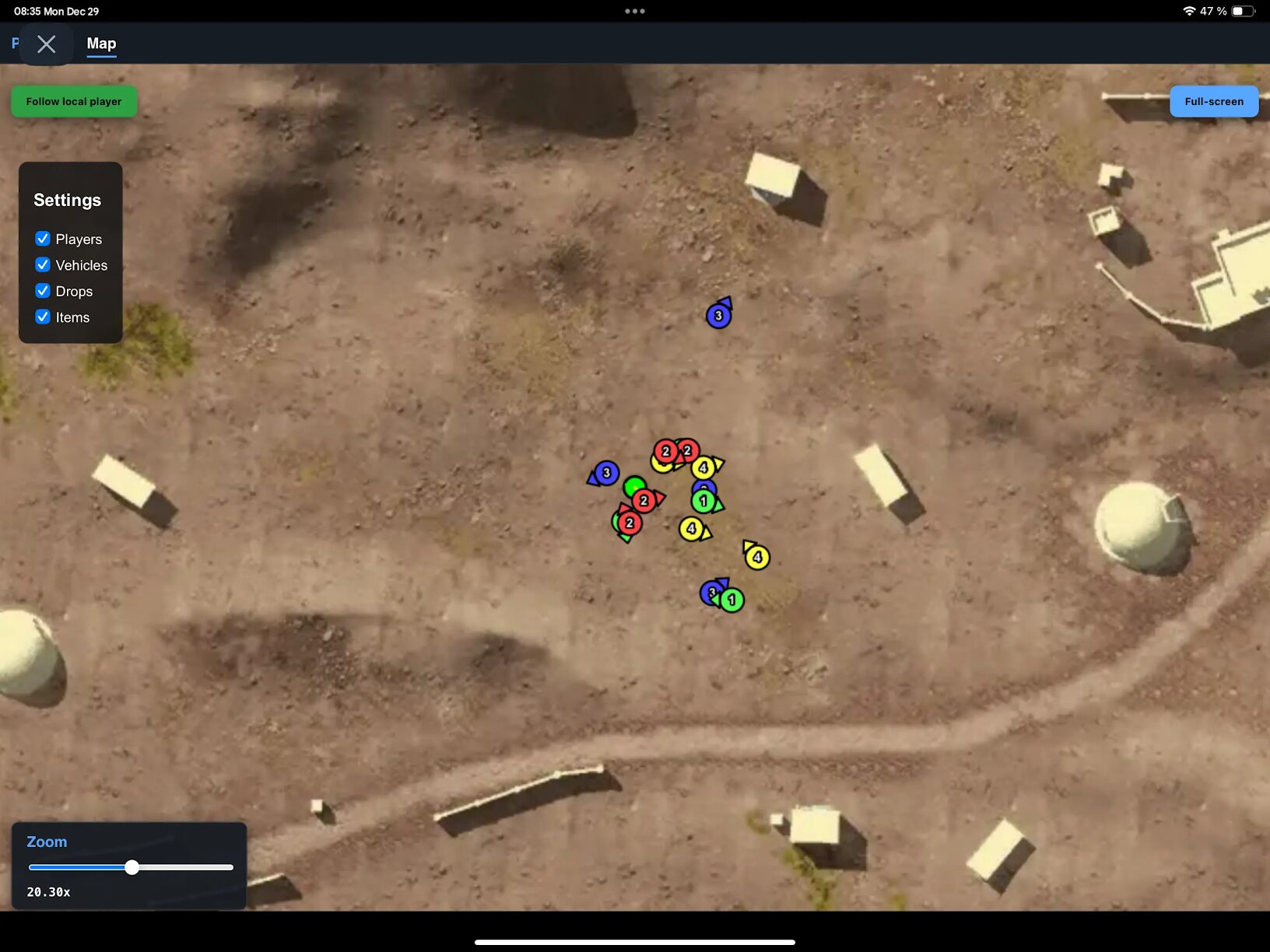
The Show Players option displays detected player positions on the radar map.
This makes it possible to monitor nearby movement without constantly rotating the in-game camera or covering the PUBG screen with traditional visual ESP elements.
Player positions can be used together with the Players List to review additional information such as:
- Team ID
- Nickname
- Equipped weapon
- Ammunition count
- Distance
The map provides the visual position, while the player list adds detailed context.
Show Vehicles
The Show Vehicles option displays detected transport on the radar map.
Vehicles are an important part of PUBG because they can be used for fast rotations, escaping the blue zone, reaching drops or moving between areas.
Vehicle information can help users:
- Find available transportation.
- Monitor vehicles approaching a location.
- Observe possible enemy rotations.
- Prepare for movement across the map.
- Identify transport near buildings or roads.
Show Drops
The Show Drops feature displays available supply drops on the radar.
Drops can contain valuable weapons, armor and equipment, but they frequently attract multiple teams. Seeing their position can help users decide whether to approach, observe the area from a distance or avoid a potentially dangerous encounter.
Drop information can be useful for planning routes and understanding where other players may be moving.
Show Items
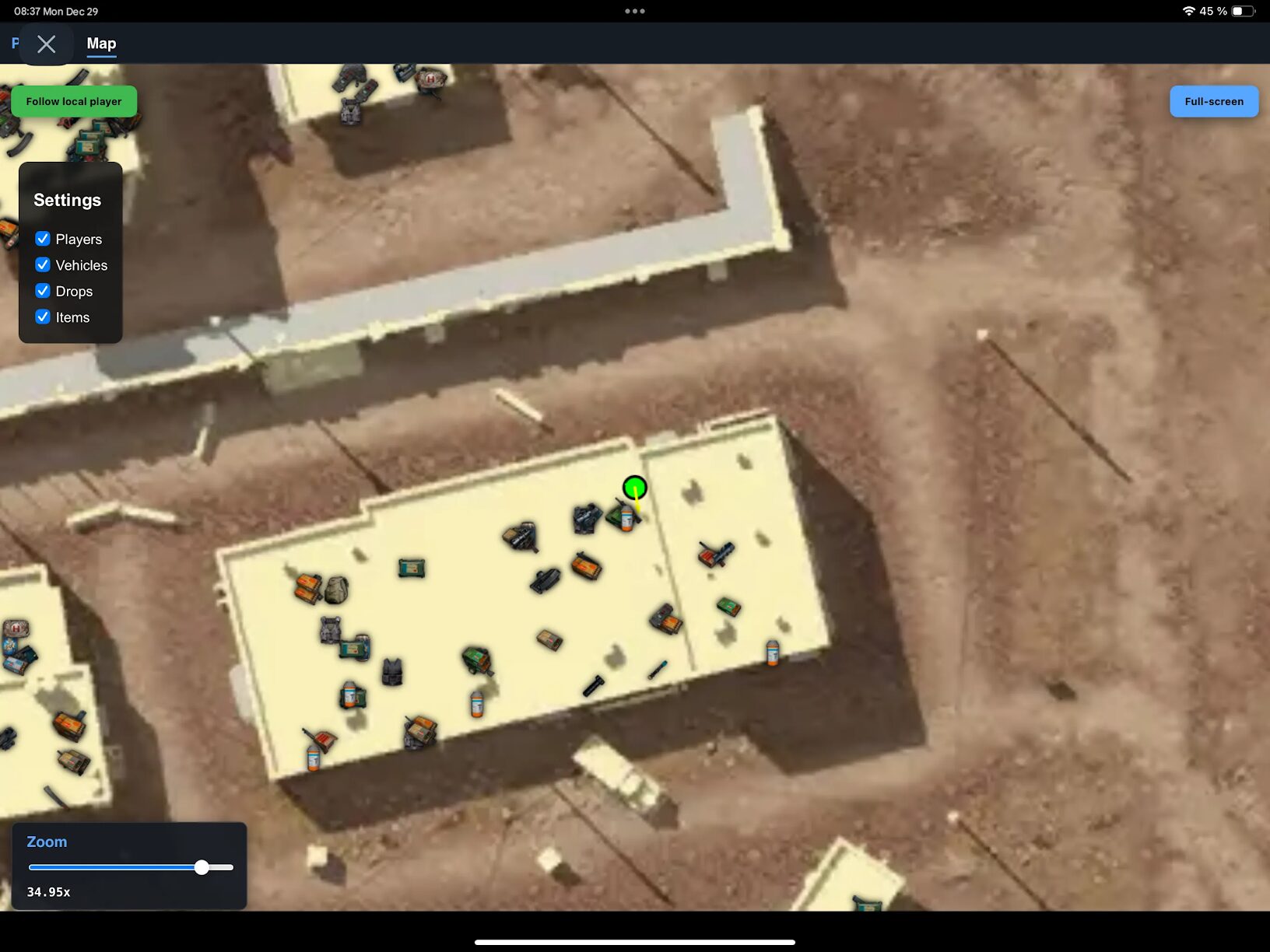
The Show Items option displays available items around the map.
This can make the looting process more convenient by helping users identify useful equipment without spending unnecessary time searching every room or area manually.
Item visibility can be especially helpful during the early stages of a match, when players need weapons, ammunition and equipment quickly.
Open the Radar on a Phone or Tablet
One of the main advantages of Browser Radar is the ability to view it from a separate device.
The radar interface can be opened in a compatible browser on a:
- Smartphone
- Tablet
- Secondary computer
- Additional monitor
- Main gaming PC
Using a smartphone or tablet allows the radar to function like a separate tactical display.
This keeps the primary monitor focused on PUBG while the additional device shows map information, player positions, vehicles, drops and items.
Benefits of Using a Separate Device
- Keep the main game screen clear.
- Avoid constantly switching between PUBG and the radar window.
- Use a tablet as a larger dedicated map display.
- Use a smartphone when no second monitor is available.
- Monitor player and vehicle positions separately from the game.
- Place the device next to the keyboard or monitor for convenient viewing.
The exact appearance and usability may depend on the screen size, browser and device orientation.
Supported Display Modes
Browser Radar works with the main PUBG display configurations.
Supported Game Modes
- Windowed Mode
- Borderless Windowed Mode
- Fullscreen Mode
This allows users to choose the display mode that works best with their computer and preferred PUBG configuration.
Fullscreen mode can provide a more immersive game experience, while borderless windowed mode may be more convenient for users who frequently switch between applications.
Steam Version Compatibility
Browser Radar is designed for the Steam version of PUBG.
Before purchasing, make sure PUBG is installed and launched through Steam. Other game versions or platforms should not be assumed to be compatible unless they are specifically listed in the current product status.
Intel and AMD Processor Support
The software supports compatible processors from both major CPU manufacturers:
- Intel
- AMD
This gives Browser Radar broader hardware compatibility than products limited to only one processor manufacturer.
The computer must still meet the current software and system requirements provided with the setup guide.
Windows Compatibility
Browser Radar supports 64-bit editions of:
- Windows 10
- Windows 11
Supported Windows Builds
Supported builds begin with:
- Windows 10 version 1903
- Newer supported Windows 10 builds
- Supported Windows 11 builds
- Current supported builds, subject to product status
Windows compatibility may change after major system updates. Always verify the current status before purchasing or activating the product.
Browser Radar Main Features Summary
- External browser-based PUBG radar.
- Steam version support.
- Player position display.
- Vehicle position display.
- Supply drop display.
- Item display.
- Detailed Players List.
- Team ID information.
- Player nickname information.
- Equipped weapon display.
- Ammunition count.
- Player distance information.
- Smartphone browser support.
- Tablet browser support.
- Secondary display support.
- Windowed mode support.
- Borderless windowed mode support.
- Fullscreen mode support.
- Intel processor support.
- AMD processor support.
- Windows 10 x64 support.
- Windows 11 x64 support.
- Support for compatible Windows builds beginning from version 1903.
- Clean interface without a traditional overloaded ESP menu.
External Radar with a Clean Interface
Browser Radar is suitable for users who prefer a separate tactical map instead of multiple visual elements placed directly over the game.
Traditional ESP tools may display boxes, lines, skeletons and text across the main screen. A browser radar takes a different approach by organizing important information through a map and player list.
This can create a cleaner experience while still providing access to essential match information.
The interface is designed to make important data easy to understand:
- Player locations appear on the map.
- Player details appear in the list.
- Vehicles can be displayed separately.
- Drops can be monitored.
- Items can be shown for easier looting.
- Distance and equipment information can be checked quickly.
Product Compatibility
- Game: PUBG
- Supported Game Version: Steam
- Software Type: External Browser Radar
- Game Display Modes: Windowed, Borderless Windowed and Fullscreen
- Supported Processors: Intel and AMD
- Operating Systems: Windows 10 and Windows 11 x64
- Supported Builds: Version 1903 and newer supported builds
- Mobile Viewing: Smartphone and tablet browser support
- Players List: Included
- Map Radar: Included
- Vehicle Display: Included
- Drop Display: Included
- Item Display: Included
System Requirements
Before purchasing Browser Radar PUBG Cheat, make sure the computer meets the basic requirements.
- 64-bit edition of Windows 10 or Windows 11.
- Supported Windows build beginning from version 1903.
- Compatible Intel or AMD processor.
- Steam version of PUBG.
- Stable internet connection.
- Compatible modern web browser.
- Administrator access may be required.
- Updated system components and drivers.
- Access to the included installation instructions.
- A smartphone, tablet or secondary device is optional.
How to Use Browser Radar PUBG Cheat
After purchasing the product, carefully follow the included setup instructions.
A typical setup process includes:
- Confirm that the Steam version of PUBG is installed.
- Verify that the current Windows build is supported.
- Download the latest available Browser Radar files.
- Close conflicting software when required.
- Launch the radar according to the provided instructions.
- Open PUBG through Steam.
- Open the radar interface in a compatible browser.
- Enable the required map categories.
- Review players through the Players List.
- Open the radar on a smartphone or tablet when preferred.
The exact setup procedure may change between software versions. Always use the latest instructions provided after purchase.
What You Receive After Purchase
After completing your order, you receive the available Browser Radar product access and setup information.
- Browser Radar PUBG Cheat license.
- Download access.
- Installation instructions.
- Browser radar interface.
- Players List features.
- Player map display.
- Vehicle display.
- Drop display.
- Item display.
- Smartphone and tablet viewing support.
- Product support.
The exact delivery method will be shown during or after checkout.
Frequently Asked Questions
What is Browser Radar for PUBG?
Browser Radar is an external radar tool that displays player, vehicle, drop and item information through a browser-based map interface.
Does Browser Radar support the Steam version of PUBG?
Yes. The product supports PUBG launched through Steam.
Can I open the radar on my phone?
Yes. The browser radar can be opened on a compatible smartphone, allowing it to be used as a separate tactical display.
Can I use the radar on a tablet?
Yes. A tablet is a convenient option because its larger screen provides more space for the radar map and player information.
Does it work in fullscreen mode?
Yes. Supported display modes include windowed, borderless windowed and fullscreen.
Does Browser Radar support AMD processors?
Yes. Compatible Intel and AMD processors are supported.
Does it support Windows 11?
Yes. Compatible 64-bit editions of Windows 10 and Windows 11 are supported.
What information appears in the Players List?
The Players List can display Team ID, nickname, weapon, ammunition count and distance.
Can the radar display vehicles?
Yes. The Show Vehicles feature displays detected vehicles on the map.
Can it display supply drops?
Yes. Supply drops can be displayed through the Show Drops feature.
Does the radar show items?
Yes. The Show Items option displays supported items on the radar map.
Do I need a second monitor?
No. A second monitor is optional. The radar can be viewed on the gaming PC, smartphone, tablet or another compatible device.
Is permanent undetected status guaranteed?
No third-party software can guarantee permanent undetected status. Game, anti-cheat and Windows updates can affect compatibility at any time. Always check the latest product status before purchasing or launching.
Buy Browser Radar PUBG Cheat
Browser Radar PUBG Cheat is a practical solution for PUBG players looking for a browser-based radar with a detailed Players List, player positions, vehicle tracking, drop information and item display.
Its ability to run on the main PC or open separately on a smartphone or tablet makes it especially convenient for users who want to keep their primary game screen clean while maintaining access to important match information.
Choose your preferred license duration, complete the order and follow the included setup instructions to begin using Browser Radar for PUBG on Windows 10 or Windows 11
| Duration | 1 day, 7 days, 30 days |
|---|
Reviews
There are no reviews yet.