CapyPrivate COD BO7, BO6, MW3 Private Cheat
CapyPrivate COD BO7, BO6, MW3 is a premium private COD software product designed for users who need a powerful, clean and highly configurable setup for supported Call of Duty titles. The product includes advanced aim configuration, trigger settings, enemy and AI visual display, item ESP, radar, crosshair customization, weapon modifiers, performance controls and automatic configuration saving.
This CapyPrivate build is focused on a modern menu experience, flexible hotkeys, detailed customization and support for multiple COD titles in one product. The software is designed for users who want a private COD product with a clean interface, advanced feature control and a wide range of visual and gameplay-related settings.
Supported Games
CapyPrivate COD supports multiple Call of Duty titles depending on the current build and game version.
Supported Titles
- Call of Duty: Black Ops 7
- Call of Duty: Black Ops 6
- Call of Duty: Modern Warfare 3
- Call of Duty: Warzone
- Call of Duty: DMZ
Support may depend on the current game update, product version and active build status.
System Support
CapyPrivate COD is made for modern Windows systems and includes support for both Windows 10 and Windows 11.
Supported Operating Systems
- Windows 10 fully supported
- Windows 11 fully supported
- Spoofer included
- Modern private menu
- Profile-based configuration
- Automatic config saving
- Custom menu key
The product includes a flexible configuration system, so users can create, switch and save different profiles for different setups.
Main Features Overview
CapyPrivate COD includes a wide feature set in one package, organized into clean menu sections.
Main Feature Categories
- Modern UI / UX
- Aimbot configuration
- TriggerBot
- Enemy Players ESP
- AI / Bot ESP
- Enemy Indicator
- Items ESP
- Radar
- Custom Crosshair
- Weapon modifiers
- Performance settings
- Language selector
- Profile system
- Automatic saving
Each section includes advanced options, popup panels and hotkey support for faster configuration.
UI / UX Features
CapyPrivate COD includes a modern menu layout built for fast navigation and clean configuration. The interface is designed to be practical, compact and easy to use during setup.
Menu Features
- Light and dark theme toggle
- Collapsible sidebar
- Compact menu mode
- Sub-tabs for each section
- Aimbot / Trigger tabs
- Enemy / AI tabs
- Popup panels for major toggles
- Advanced options inside popup panels
- Hotkey support for important features
- Clean layout for fast configuration
The menu is designed to keep the main interface organized while still giving access to detailed advanced settings.
Combat and Aimbot
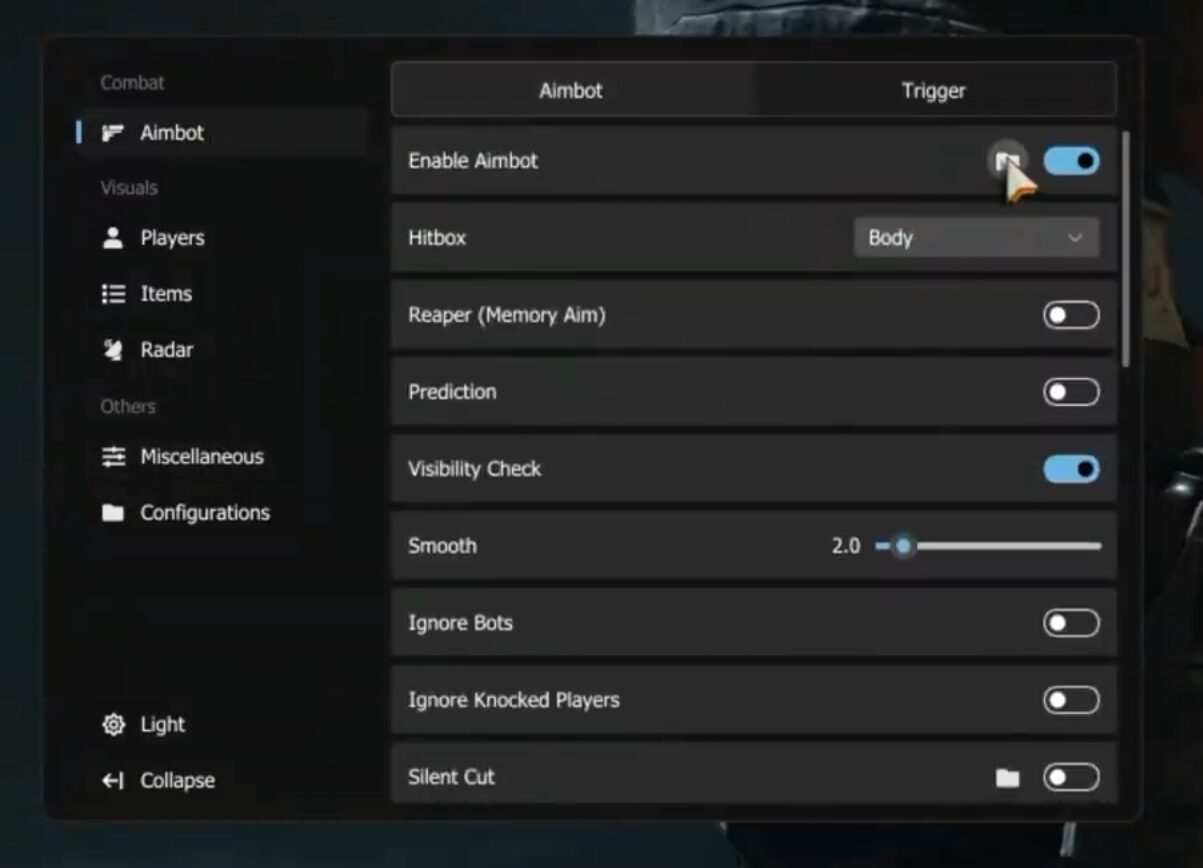
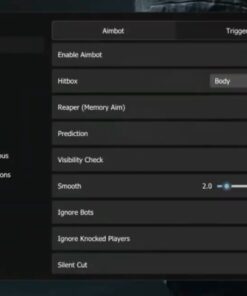
The combat section includes advanced aimbot configuration with flexible hotkeys, controller support, prediction, visibility check, smooth control, FOV settings and target behavior options.
Aimbot Features
- Enable / disable aimbot
- Primary key support
- Alt key support
- Toggle key support
- Switch-to-head key
- Controller support
- Built-in gamepad key list
- Hitbox selection
- Reaper memory aim mode
- Prediction
- Visibility check
- Smooth control from 1.0 to 10.0
- Ignore bots option
- Ignore knocked players option
- Silent cut
- Panic key
- Auto kill switch
- Distance limit from 0m to 150m
- Inline descriptions inside popup panels
Hitbox Selection
Available hitbox options:
- Head
- Chest
- Body
- Random
This allows users to adjust targeting behavior based on their preferred setup.
Advanced Targeting Settings
CapyPrivate COD includes additional targeting options for users who want deeper control over aim behavior, distance logic, target switching and lock behavior.
Targeting Options
- Blind-Spot with radius control
- Targeting settings
- Lock option
- YeetMode
- Target switch delay from 0 to 5 seconds
- Distance and time coefficients
- Maximum distance cap from 1m to 800m
These settings help create a more personalized configuration for different game modes and playstyles.
FOV and Crosshair Settings
The FOV section allows users to configure visual aim area, lock-on visuals and custom FOV values.
FOV Features
- Draw FOV
- FOV thickness control
- Lock-on visual
- Lock-on thickness control
- Minimum FOV
- Maximum FOV
- Custom FOV
- Distance coefficient
- Time coefficient
- Maximum distance cap from 1m to 800m
These settings provide detailed control over how the aim area appears and behaves.
TriggerBot
CapyPrivate COD includes a configurable TriggerBot section with delay, FOV, keybind and visual display options.
TriggerBot Features
- Enable / disable TriggerBot
- Trigger key popup
- Trigger delay from 0.10s to 1.00s
- Trigger FOV from 1.0 to 10.0
- Draw TriggerBot FOV
- TriggerBot FOV thickness
- TriggerBot FOV color
The TriggerBot module includes simple controls and detailed visual customization.
Players ESP – Enemy
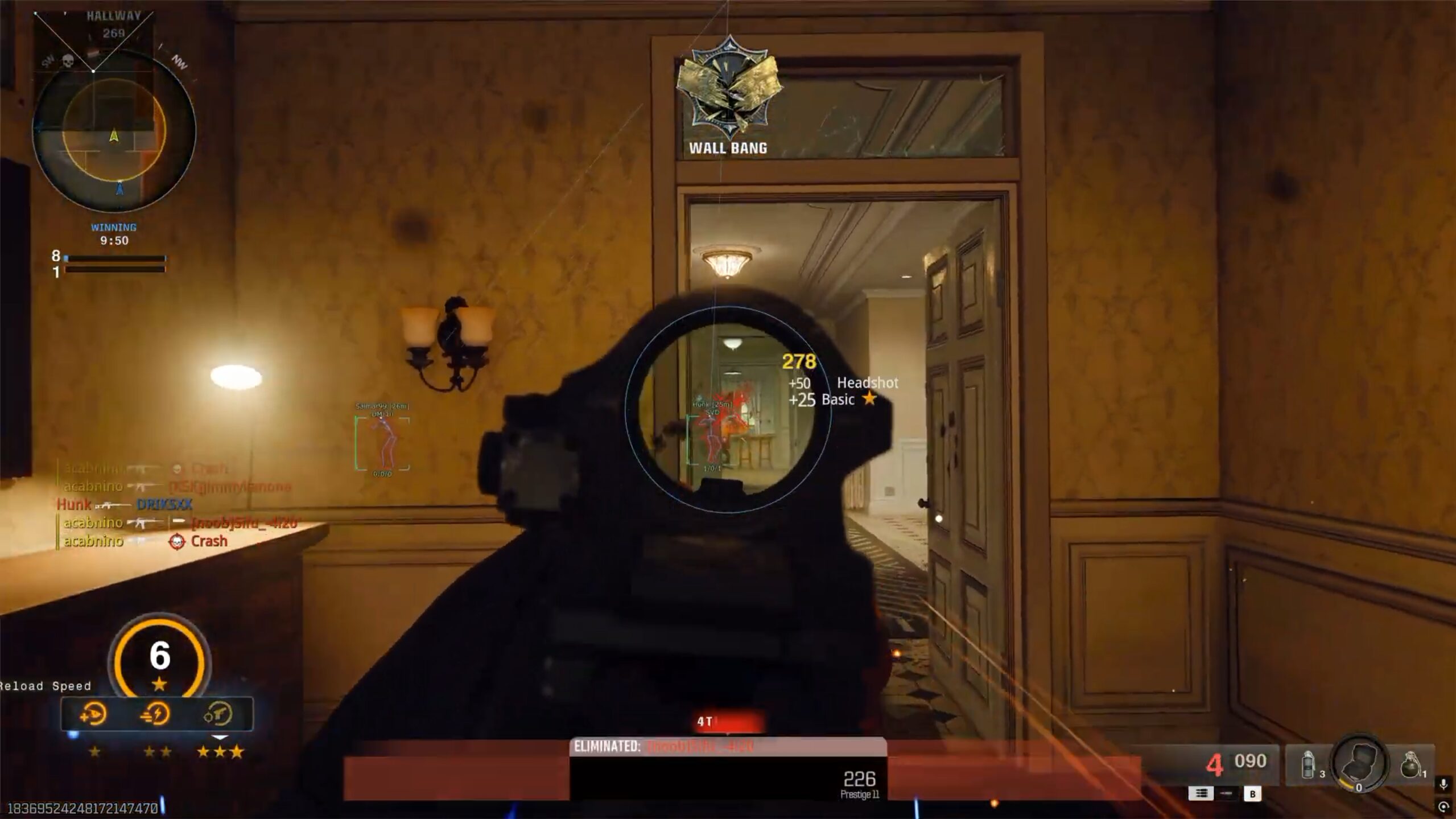
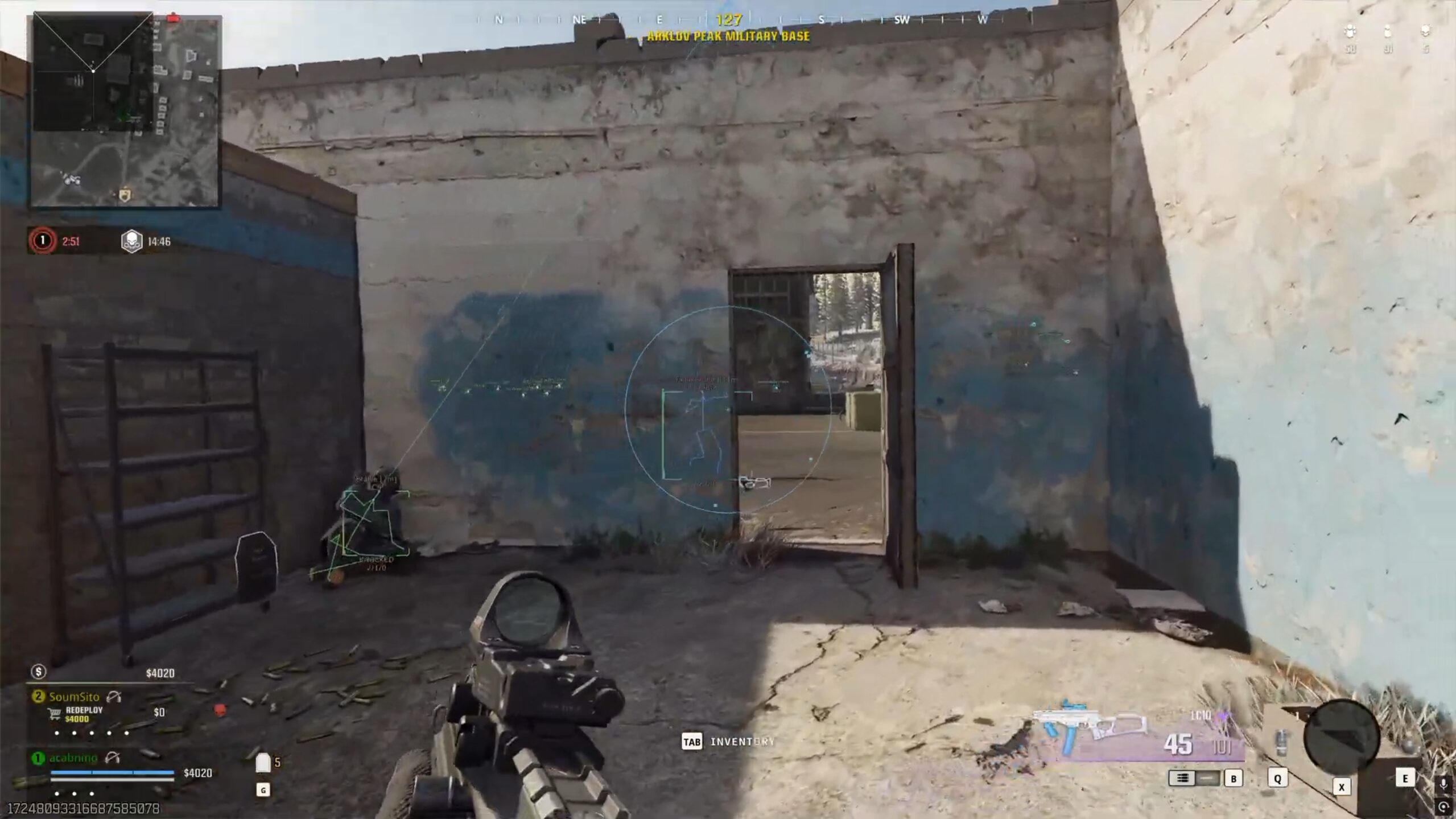
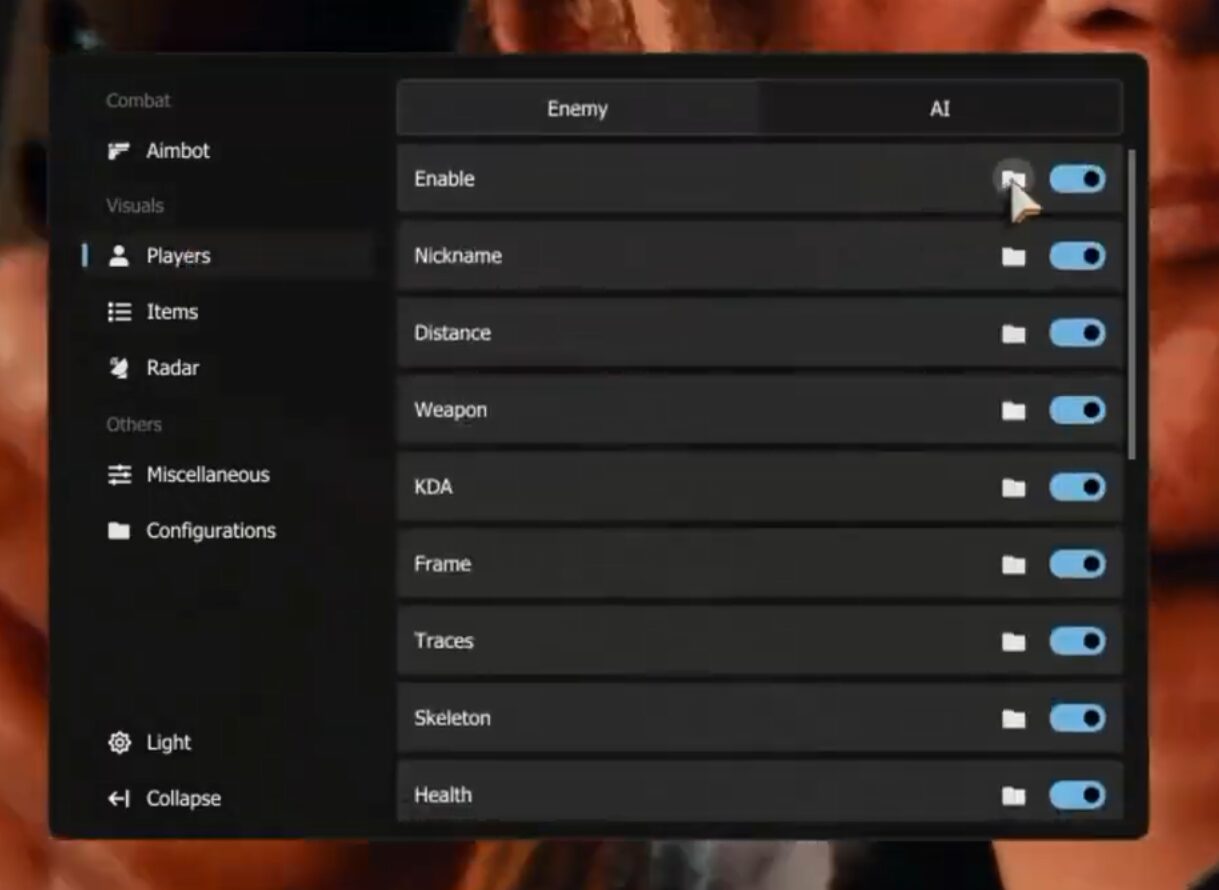
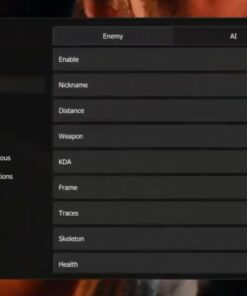
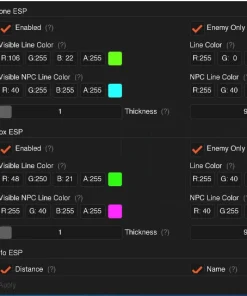
The enemy ESP section includes a full set of visual options for player information, including nickname, distance, weapon, KDA, frame, tracers, skeleton, health, status, head circle and proximity alerts.
Enemy ESP Main Settings
- Master toggle
- Toggle key popup
- Maximum distance from 1m to 800m
- Distance-based transparency
- Minimum transparency
- Maximum transparency
- Dynamic font sizing
- Minimum font size
- Maximum font size
Enemy ESP can be customized with different colors, positions, styles and visibility-based display settings.
Enemy Nickname ESP
Nickname Features
- Nickname display
- Position selection
- Top position
- Bottom position
- Left position
- Right position
- Static color mode
- By team color mode
- By visible color mode
- Static color
- Visible color
- Hidden color
- Team alpha slider
The nickname display can be adjusted separately from other visual elements.
Enemy Distance ESP
Distance Features
- Distance display
- Merge with nickname option
- Position selection
- Static color mode
- Team color mode
- Visible color mode
Distance display helps show range information with flexible layout and color settings.
Enemy Weapon ESP
Weapon Display Features
- Weapon display
- Position selection
- Static color mode
- Team color mode
- Visible color mode
This section allows users to display enemy weapon information with independent positioning and colors.
Enemy KDA ESP
KDA Features
- KDA display
- Position selection
- Static color mode
- Team color mode
- Visible color mode
KDA display adds extra player information directly to the visual layout.
Enemy Frame ESP
The frame section includes multiple box styles with filled and outline options.
Frame Features
- Square frame
- Corner frame
- Filled frame
- Outline frame
- Rounding control
- Thickness control
- Width control
- Fill color
- Border color mode
- Static border color
- Team border color
- Visible border color
This gives users full control over player box appearance.
Enemy Tracers
Tracer Features
- Tracer lines
- Top anchor
- Middle anchor
- Bottom anchor
- Thickness control
- Static color mode
- Team color mode
- Visible color mode
Tracers can be configured by anchor point, thickness and color style.
Enemy Skeleton ESP
Skeleton Features
- Skeleton display
- Thickness control
- Static color mode
- Team color mode
- Visible color mode
Skeleton ESP includes independent thickness and color configuration.
Enemy Health ESP
Health Display Features
- Health display
- Side style
- Top style
- Gradient toggle
- Thickness control
- Alpha control
Health display can be styled to match the rest of the ESP layout.
Enemy Status ESP
Status Features
- Status display
- Position selection
- Static color mode
- Team color mode
- Visible color mode
- Movement and action states
Supported status states may include:
- Idle
- Walk
- Run
- Other movement or action states
Enemy Head Circle
Head Circle Features
- Head circle display
- Size control
- Thickness control
- Filled option
- Static color mode
- Team color mode
- Visible color mode
The head circle can be customized separately from skeletons, boxes and tracers.
Enemy Proximity Alerts
CapyPrivate COD includes proximity alert settings for nearby enemy players.
Alert Features
- Alert radius in meters
- Pulsating border toggle
- Alert text toggle
- Border thickness
- Border color
- Text size
- Text color
Proximity alerts help create a more noticeable warning system for close-range situations.
Players ESP – AI and Bots
CapyPrivate COD includes a separate AI and bot ESP section with independent settings and hotkeys. This allows users to customize bot visuals separately from enemy player visuals.
AI / Bot ESP Features
- Nickname display
- Distance display
- Weapon display
- KDA display
- Box / frame display
- Lines / tracers
- Skeleton
- Health display
- Status display
- Head circle
- Proximity alerts
- Independent settings
- Independent hotkeys
AI and bot ESP includes the same major visual categories as enemy ESP, but with separate configuration control.
Enemy Indicator
The enemy indicator module provides directional awareness settings with FOV, distance, size, opacity and color controls.
Enemy Indicator Features
- Enable / disable indicator
- Toggle key popup
- Bot marker toggle
- Maximum distance from 1m to 800m
- FOV from 1° to 180°
- Thickness control
- Minimum size
- Maximum size
- Minimum opacity
- Maximum opacity
- Static color mode
- By team color mode
- By visible color mode
- Static color
- Visible color
- Hidden color
- Team alpha slider
The enemy indicator helps show directional information with customizable appearance and range.
Items ESP
CapyPrivate COD includes item ESP with category filters, rarity filters, font size controls and maximum distance settings.
Items ESP Main Settings
- Master toggle
- Toggle key popup
- Maximum distance from 1m to 800m
- Minimum font size
- Maximum font size
- Per-category filters
- Minimum rarity filter
Supported Rarity Levels
- Grey
- Green
- Blue
- Purple
- Gold
Supported Item Categories
- Weapons
- Ammo
- Cash
- Perks
- Crates
- Tokens
- Field Upgrade
- Plates
- Tactical
- Gas Mask
- Revive Kit
- Contracts
- Lethal
- Keys
The item ESP system allows users to filter visible loot by category and rarity.
Radar
CapyPrivate COD includes a configurable radar module with position, scale, zoom, icon size, opacity and color mode settings.
Radar Features
- Master toggle
- Toggle key popup
- Show bots
- Maximum distance
- Position and scale controls
- X / Y placement
- Radar size
- Zoom control
- Icon scale
- Icon opacity
- Minimum icon size
- Maximum icon size
- Minimum opacity
- Maximum opacity
- Static color mode
- By team color mode
- By visible color mode
- Static color
- Visible color
- Hidden color
- Team alpha slider
The radar is designed to be adjustable for different screen layouts and user preferences.
Miscellaneous Features
The miscellaneous section includes crosshair customization, flash effect control, language selection, weapon settings and performance options.
General Misc Features
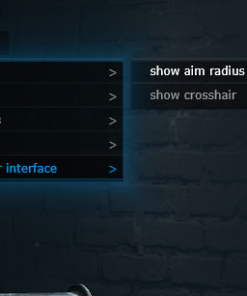
- Custom crosshair
- Crosshair color
- Crosshair thickness
- Disable flash effects
- Language selector
Supported Menu Languages
- English
- Chinese
- Russian
- German
- French
- Hebrew
- Japanese
- Portuguese
- Thai
- Turkish
- Vietnamese
The language selector makes the menu more convenient for users from different regions.
Weapon Features
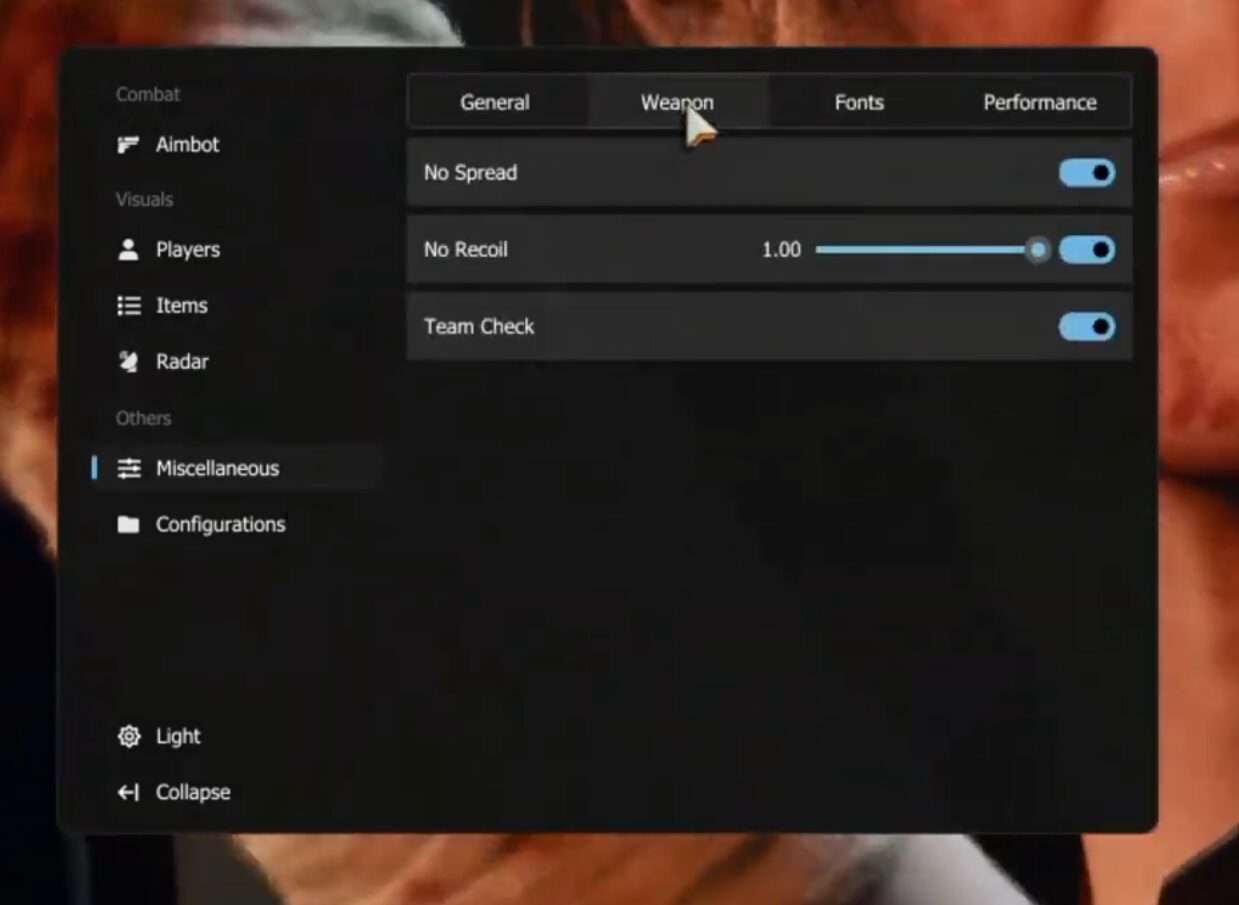
CapyPrivate COD includes weapon-related configuration options with slider and box controls.
Weapon Modifiers
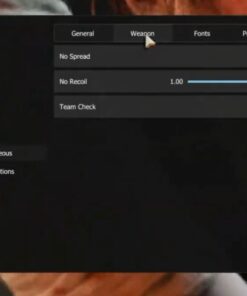
- No Spread
- No Recoil
- No recoil slider
- No recoil box control
- Team check
These settings are organized inside the weapon section of the menu for quick adjustment.
Performance Settings
The performance section allows users to control FPS-related settings for smoother configuration and better menu behavior.
Performance Features
- Game FPS telemetry target from 30 to 360
- Render FPS limit from 30 to 360
- VSync toggle
These settings help users adjust performance behavior based on their system and preferences.
Configurations
CapyPrivate COD includes a strong profile and configuration system with automatic saving.
Config Features
- Custom menu key
- Profile picker
- Switching profiles saves the old config
- Switching profiles loads the new config
- Create new config
- Config name support
- Automatic saving
- Any menu setting change is saved automatically
The configuration system is designed to make setup management faster and more convenient.
Why Choose CapyPrivate COD?
CapyPrivate COD BO7, BO6, MW3 is built for users who want a premium private COD product with a large feature set, modern menu, flexible settings and support for multiple Call of Duty titles.
Key Advantages
- Supports multiple COD titles
- Windows 10 and Windows 11 support
- Spoofer included
- Modern light / dark UI
- Advanced aimbot configuration
- TriggerBot
- Enemy ESP
- AI / bot ESP
- Items ESP
- Radar
- Enemy indicator
- Custom crosshair
- Weapon modifiers
- Performance controls
- Language selector
- Automatic config saving
- Profile system
- Hotkey support
CapyPrivate COD combines many important features into one private product with a clean interface and deep customization options.
Important Notice
Users are responsible for following the rules, terms and restrictions of any game, platform or service they use. Do not use third-party software in any environment where it is not allowed.
| Duration | 1 day, 1 week, 1 month |
|---|




Reviews
There are no reviews yet.